OPERATOR’S MANUAL
PM300E and PM332E Planter Monitors
11001-1423-200710
4 / INTRODUCTION
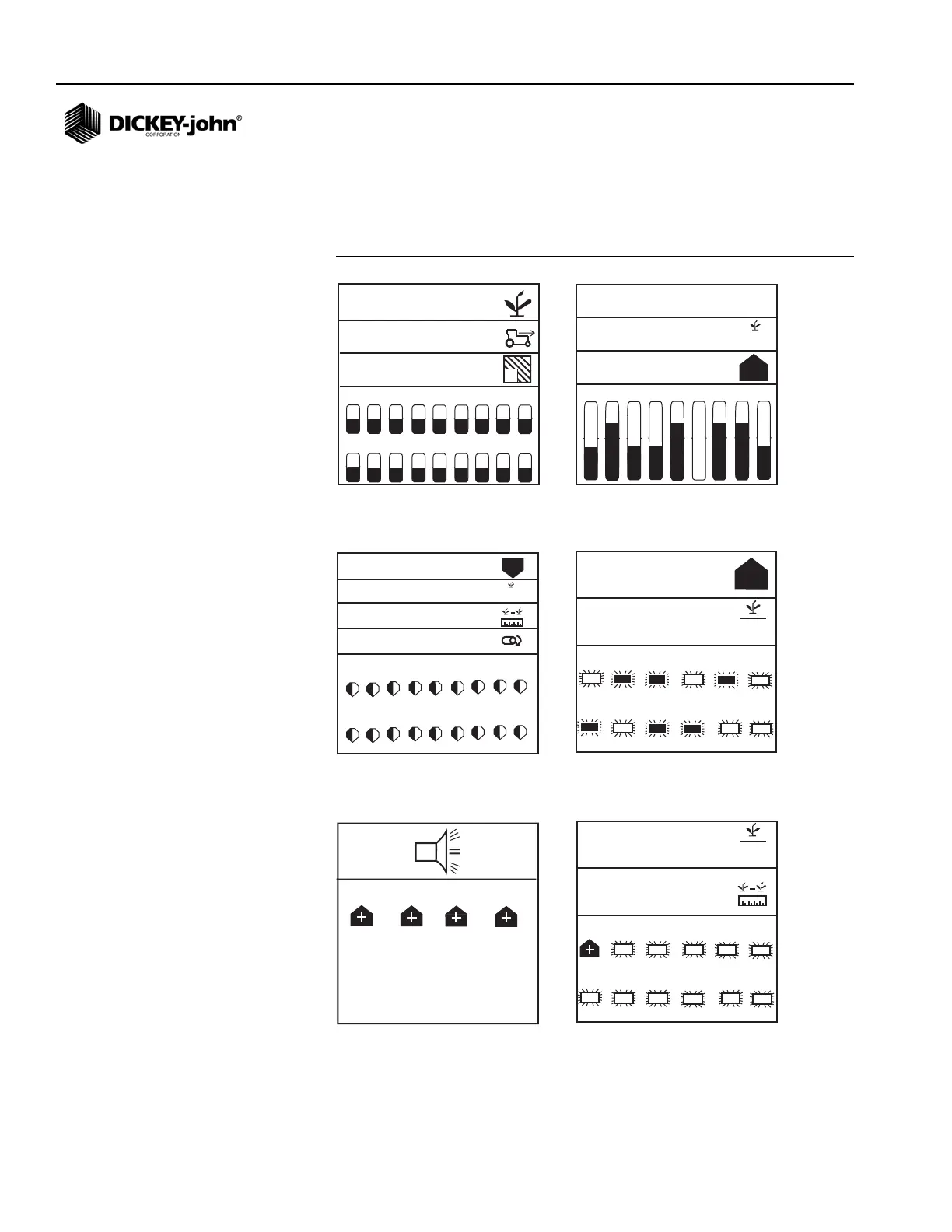
(Figure 2) depicts examples of various displays of locked and unlocked
screens. Unlocked screens require an authorized user with a password to
modify. Refer to the Operate Mode section for customizing screen displays
and Advanced Setup for using a password.
Figure 2
User-Definable Display Examples (Locked and Unlocked)
1 2 3 4 5 6 7 8 9
10 11 12 13 14 15 16 17 18
5,2
527,3
4,5
1
1 2 3 4 5 6 7 8 9
3,2
2,9
5,0
6
in
6
1 2 3 4 5 6 7 8 9
33,4
10
9
12,5
33,4
0,0
10 11 12 13 14 15 16 17 18
1 2 3 4 5 6
10
33,5
7 8 9 10 11 12
10
37,2
2 4 6 8
1 2 3 4 5 6
12,5
7 8 9 10 11 12
2
33,3
Graphic mode: average population,
speed, and field 1 area output with bar
graphs
Text mode: average spacing, spacing
scan and min/max/avg spacing output
with bar graphs
Min/max/avg population, population
row scan, avg speed spacing, and shaft
speed with gauges
Min/max/avg population and row scan
with blinking row symbols
Rows 2, 4, 6, 8 (above limit) alarm
screen
Row scan and average spacing with
blinking symbols and row 1 hi alarm
(alarm cancel returns user to operate
screen)



 To Next Page