DG-BG4100NU User Manual
57
The following table describes the parameters of this page:
Choose the working mode of the router. You can choose from
drop-down list.
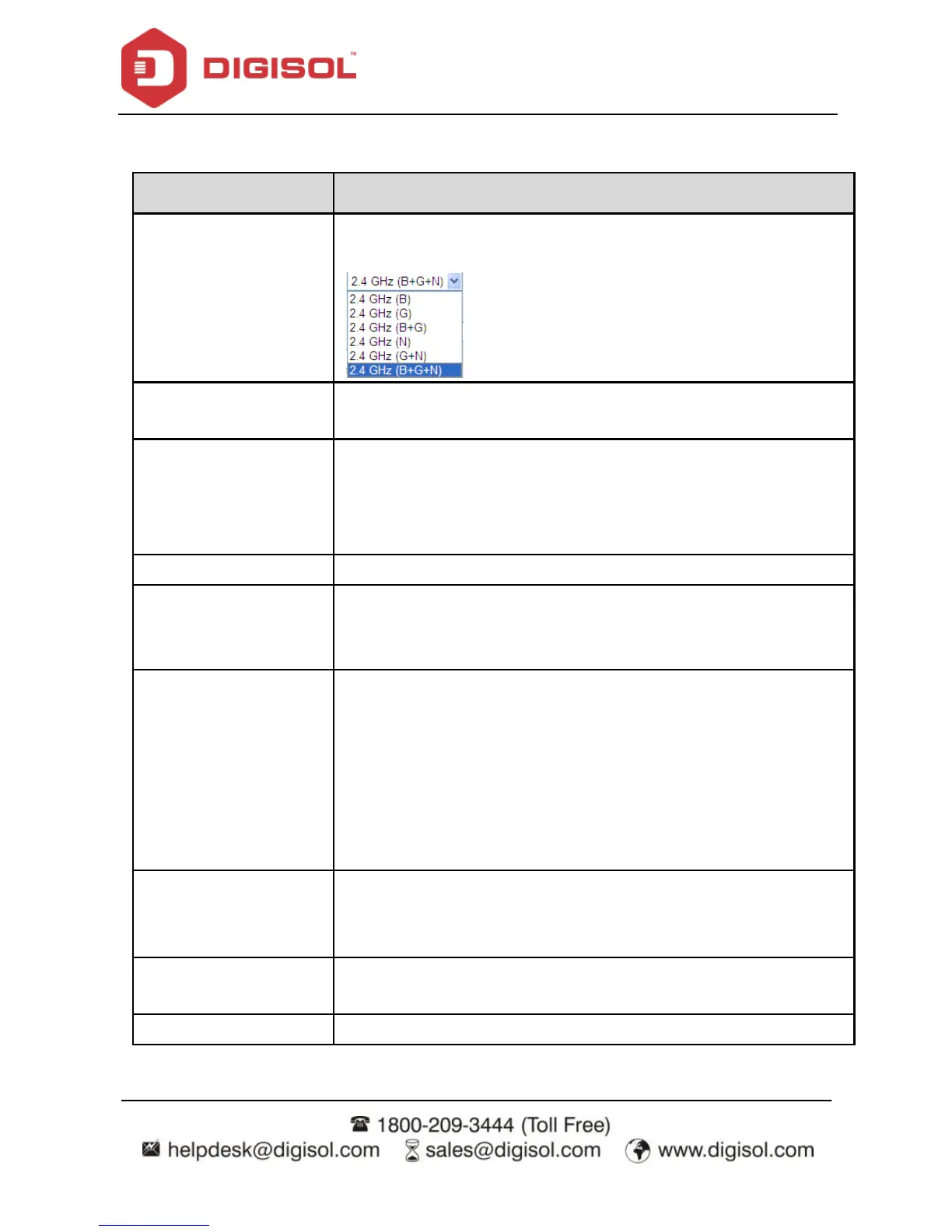
Choose the network mode of the router, which varies according to
the software. By def ault, the network model of the router is AP.
The serv ice set identification (SSID) is a unique name to identify the
router in the wireless LAN. Wireless stations associating to the
router must have the same SSID. Enter a descriptive name that is
used when the wireless client is connecting to the router.
Options av ailable are 40 MHZ, 20 MHz and 40/20 MHz
There are two sidebands upper and lower bands. The lower band
comprises of channel numbers 1-7. The upper band comprises of
channel numbers 5-11.
A channel is the radio frequency used by 802.11b/g/n wireless
devices. There are 11 channels (f rom 1 to 11) available depending
on the geographical area. When You may hav e a choice of channels
(for your region) you should use a different channel from an
adjacent AP to reduce the interf erence and degrading performance
occurs when radio signal f rom diff erent APs overlap. Choose a
channel from the drop-down list box.
You can choose the transmission power of the radio signal. The
default one is 100%. It is recommended to choose the def ault v alue
100%.
Click it to view the information of the wireless clients that are
connected to the router.
Click it to apply the settings.



 To Next Page