DG-BG4100NU User Manual
61
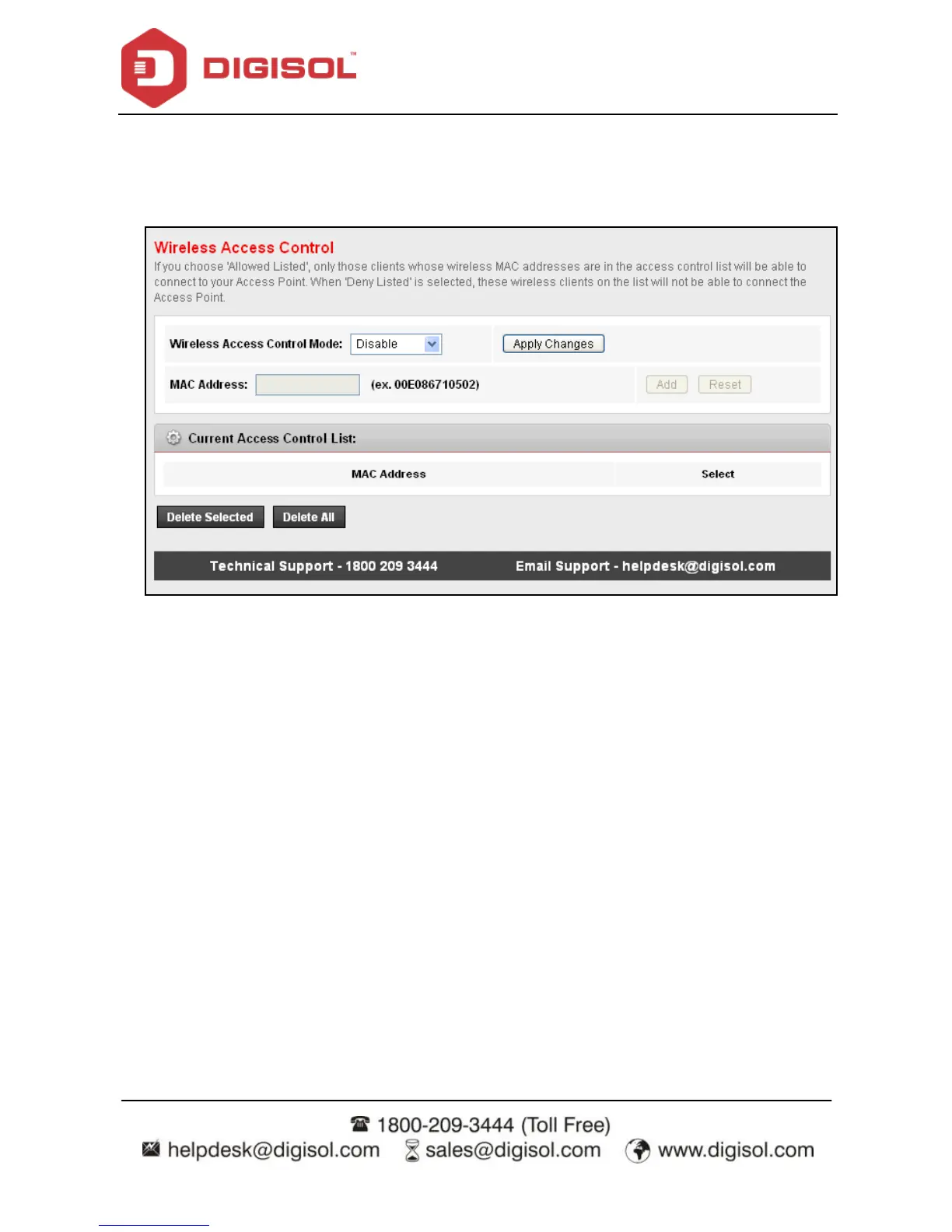
4.4.1.14 Access Control List
Choose WLAN > Access Control List and the following page appears. In this page, y ou can
conf igure the access control of the wireless clients.
Choose Allow Listed as the access control mode to enable white list function. Only the
devices whose MAC addresses are listed in the Current Access Control List can access the
router.
Choose Deny Listed as the access control mode to enable black list function. The dev ices
whose MAC addresses are listed in the Current Access Control List are denied to access the
router.



 To Next Page