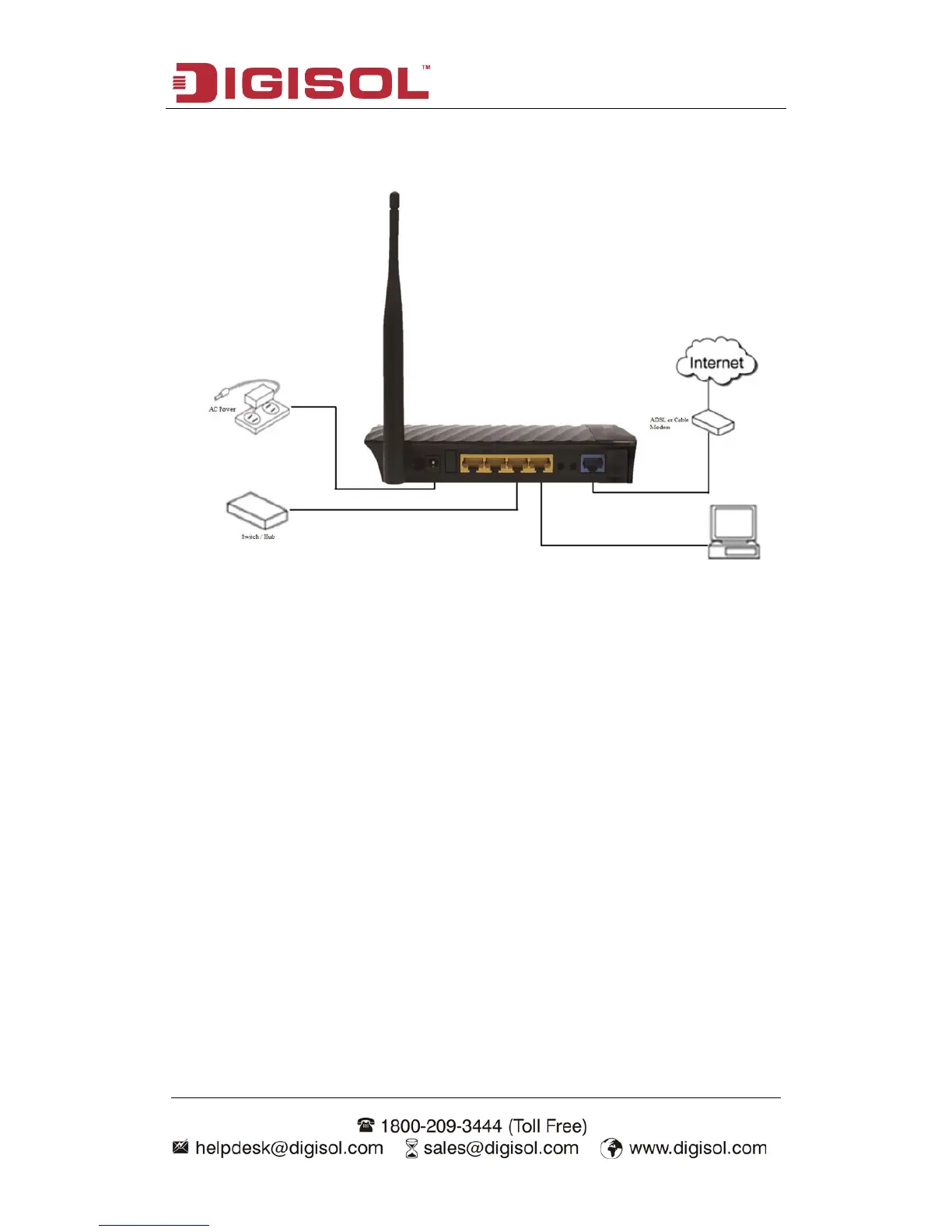
3. Connect the power adapter (5V DC / 1A) to the wall socket, and then connect it
to the ‘Power’ socket of the router.
4. Please check all LEDs on the front panel. Power LED ‘PWR’ should be steadily
ON, WAN and LAN LEDs should be ON. Check if the computer/network device
connected to the respective port of the router is powered ON and correctly
connected. If power LED ‘PWR’ is not ON, or any LED you expected is not ON,
please recheck the cabling.



 To Next Page