3. Quick Install Guide
3-1 Connecting to wireless broadband router by web browser
After the network connection is setup, next step is to setup the router with proper
network parameters, so it can work properly in your network environment.
Please use the web browser to configure the router. A computer with wired Ethernet
connection to the router is required for this first-time configuration.
Before you start to configure the router (default IP 192.168.2.1), please configure the
IP address of the computer in the same network class as that of the router.
Set the Network Configurations:
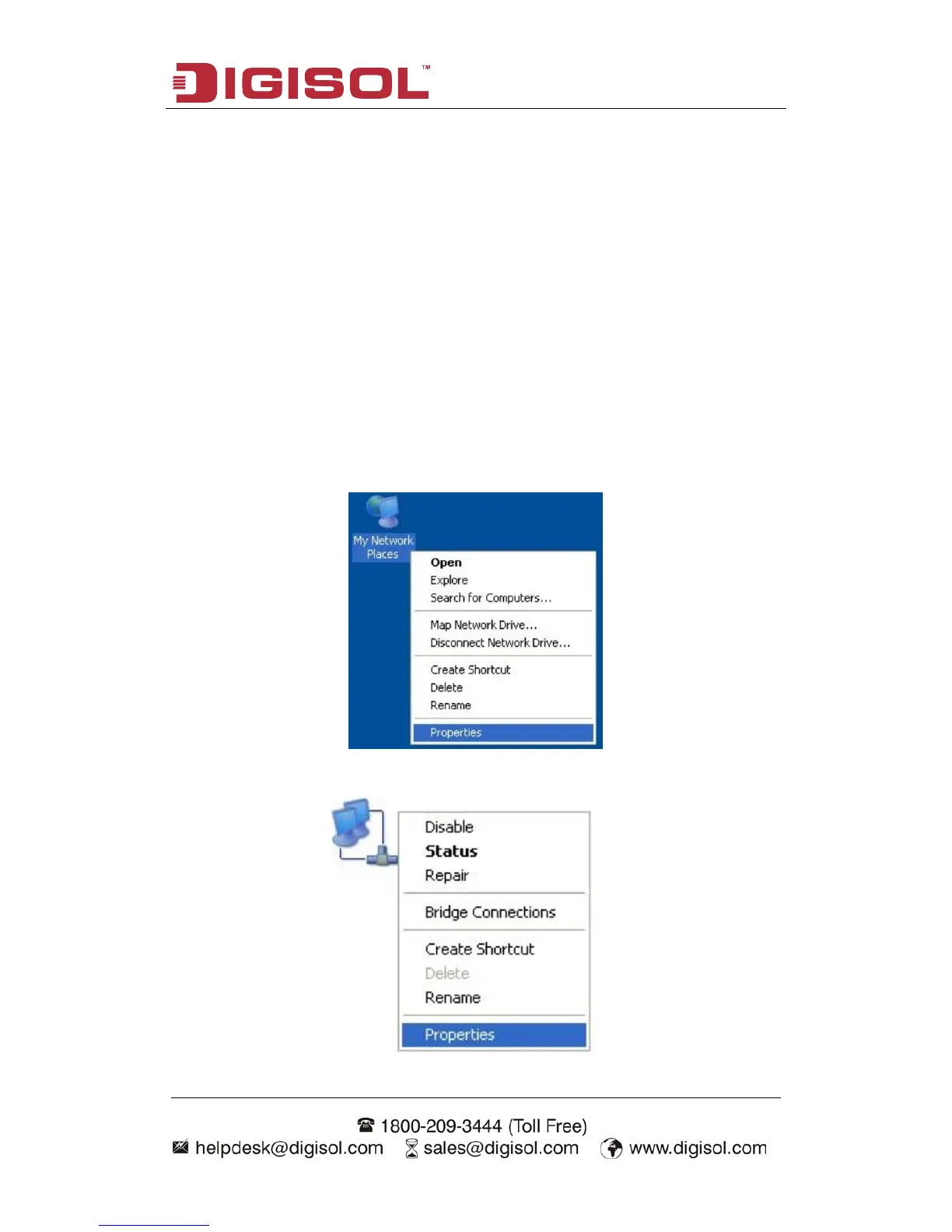
1. On your computer desktop right click "My Network Places" and select
"Properties".
2. Right click "local Area Network Connection" and select "Properties".



 To Next Page