3-3 Using Quick Setup
This router provides a ‘Quick Setup’ procedure, which will help you to complete all
required settings you need to access the Internet in very short time. Please follow the
instructions mentioned below to complete the ‘Quick Setup’:
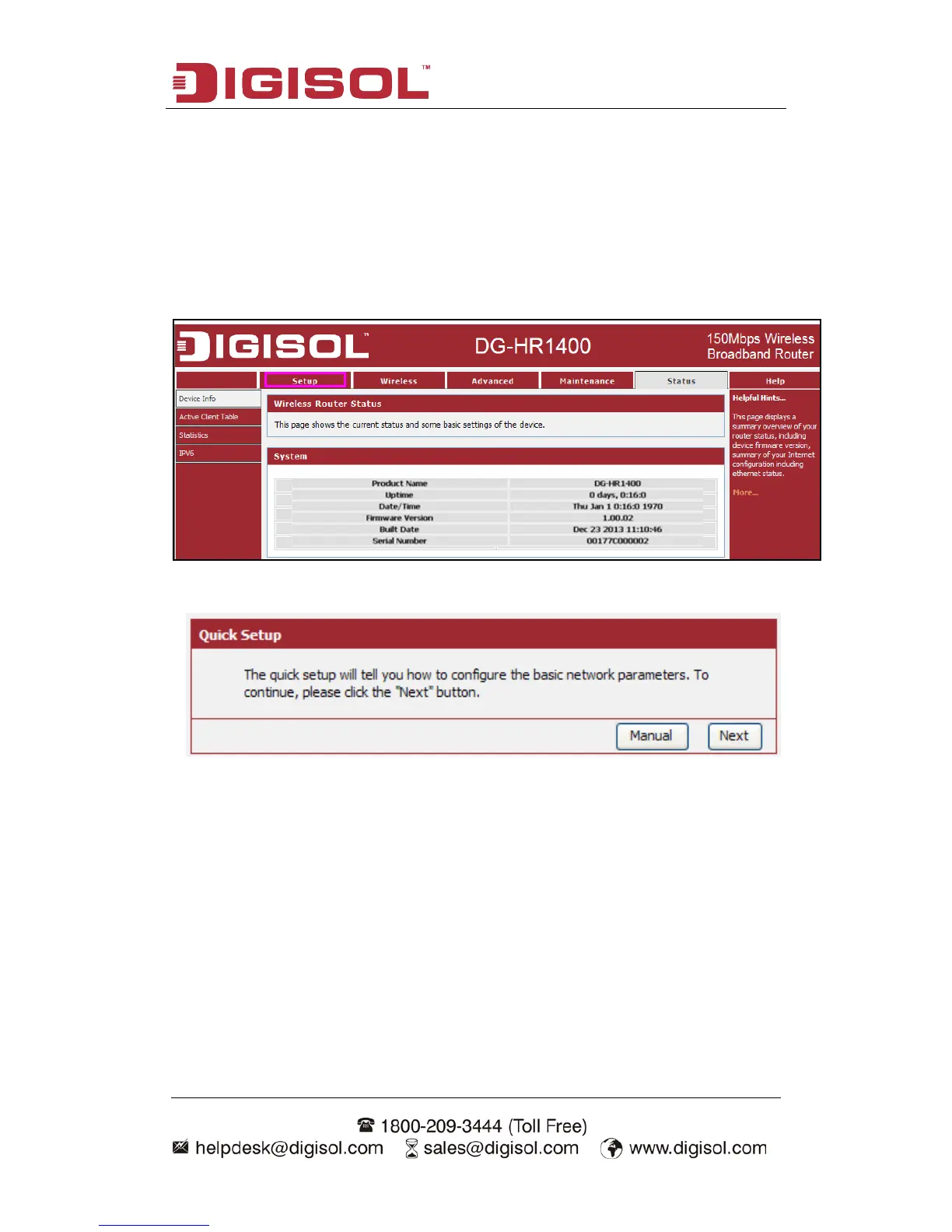
Please go to Quick Setup menu by clicking ‘Setup’ button.
And the following message will be displayed:
Click the “Next” button to continue.
Please follow the steps and complete the router configuration.



 To Next Page