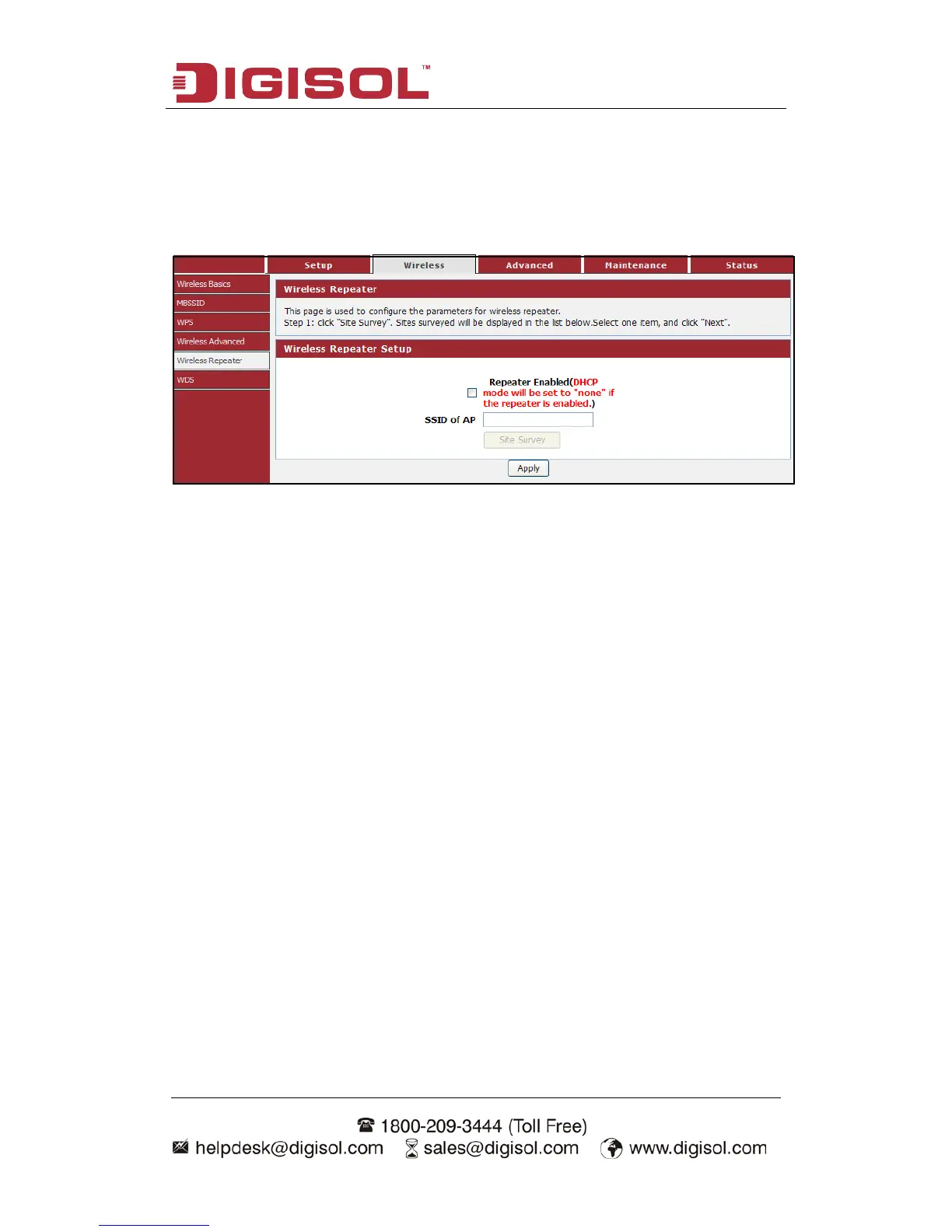
4-2-5 Wireless Repeater
This page is used to configure the parameters for wireless repeater.
Choose menu “Wireless→Wireless Repeater”, below given screen will be
displayed.
DHCP server will automatically shut down if relay mode is enabled (DHCP server
will be enabled if relay mode is disabled). We recommend that the computer's IP
address and DNS address is set to automatically obtain. You need to manually set the
IP address of the computer if you want to access the device, while your PC gets IP
address from the upstream AP.
In order to complete these settings, please follow the steps below:
1 Click “Site Survey”. Sites surveyed will be displayed in the list below. Select
one item, and click “Next”.
2 Setup the wireless security. Turn on WEP or WPA by using Encryption Keys
which could prevent any unauthorized access to your wireless network.
3 Click “Apply” to save the configuration.



 To Next Page