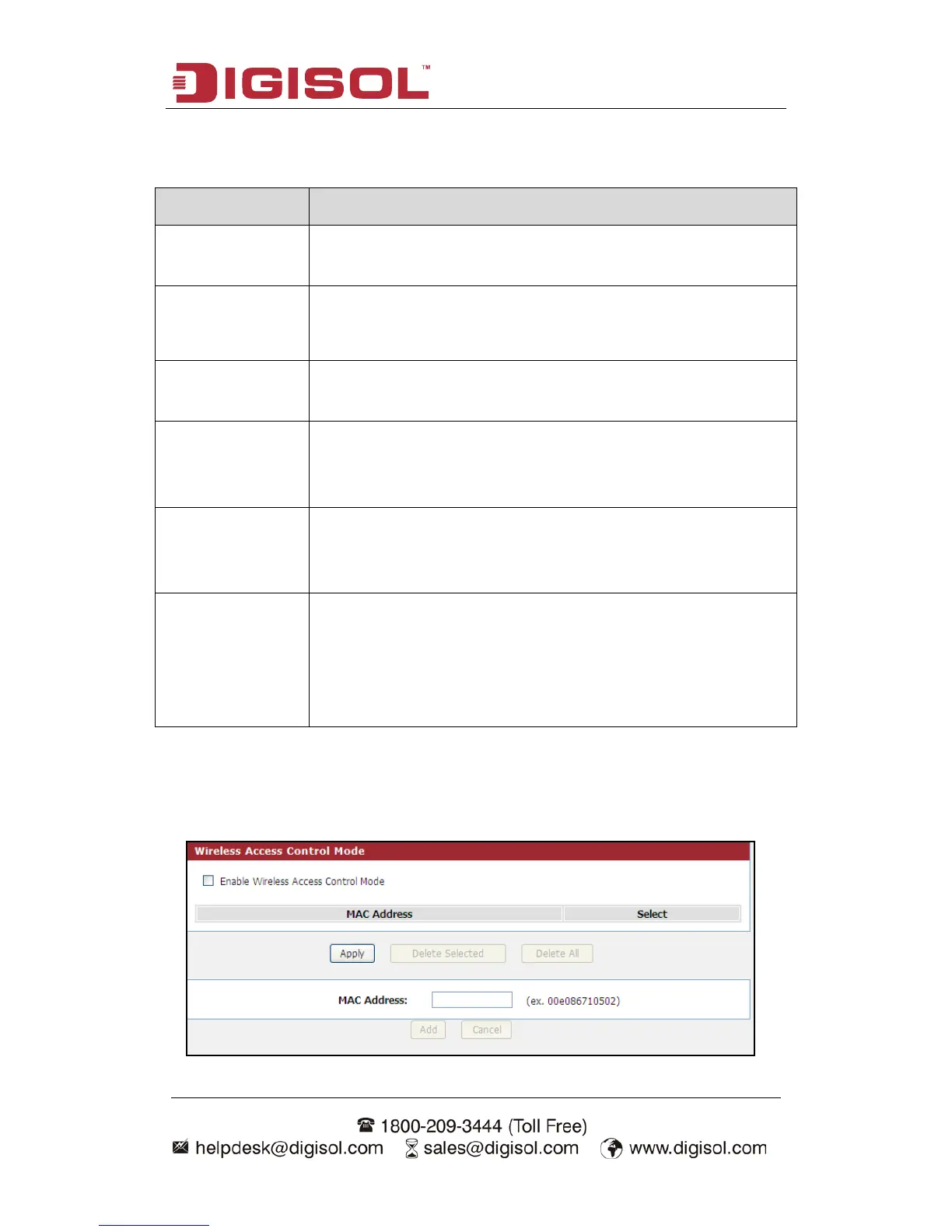
Here is the description of every setup item:
Parameter Description
Enable Wireless Check this box to enable the Router’s wireless features; uncheck
to disable it.
Fragment
Threshold
Used to fragment packets which help improve performance in the
presence of radio frequency (RF) interference.
RTS Threshold Determines the packet size of a transmission through the use of the
router to help control traffic flow.
Preamble Type This is the length of the CRC (Cyclic Redundancy Check) block
for communication between the router and wireless clients. High
network traffic areas should select Short preamble type.
Radio Power
(percent)
You can choose the transmission power of the radio signal. The
d
networks in your area. If the channel width is operating at 40MHz
and there is another wireless network's channel over-lapping and
causing interference, the router will automatically change to
20MHz.
ACL Set up
You can specify what kind of service should be enabled in WAN on this page.
Packets available in the list or from IP specified can enter the AP router.



 To Next Page