EasyManua.ls Logo

Digisol DG-HR1400 - System Log

Digisol DG-HR1400
91 pages
Print Icon
To Next Page IconTo Next Page
To Previous Page IconTo Previous Page
Loading...
DG-HR1400 User Manual
80
State There are two options here: Enable or Disable. The default value
is Disable.
Server
You can fill the address used for clock synchronization of
network time server.
Time Zone You can select your time zone drop-down box.
Start NTP You can click Get GMT Time from network time server.
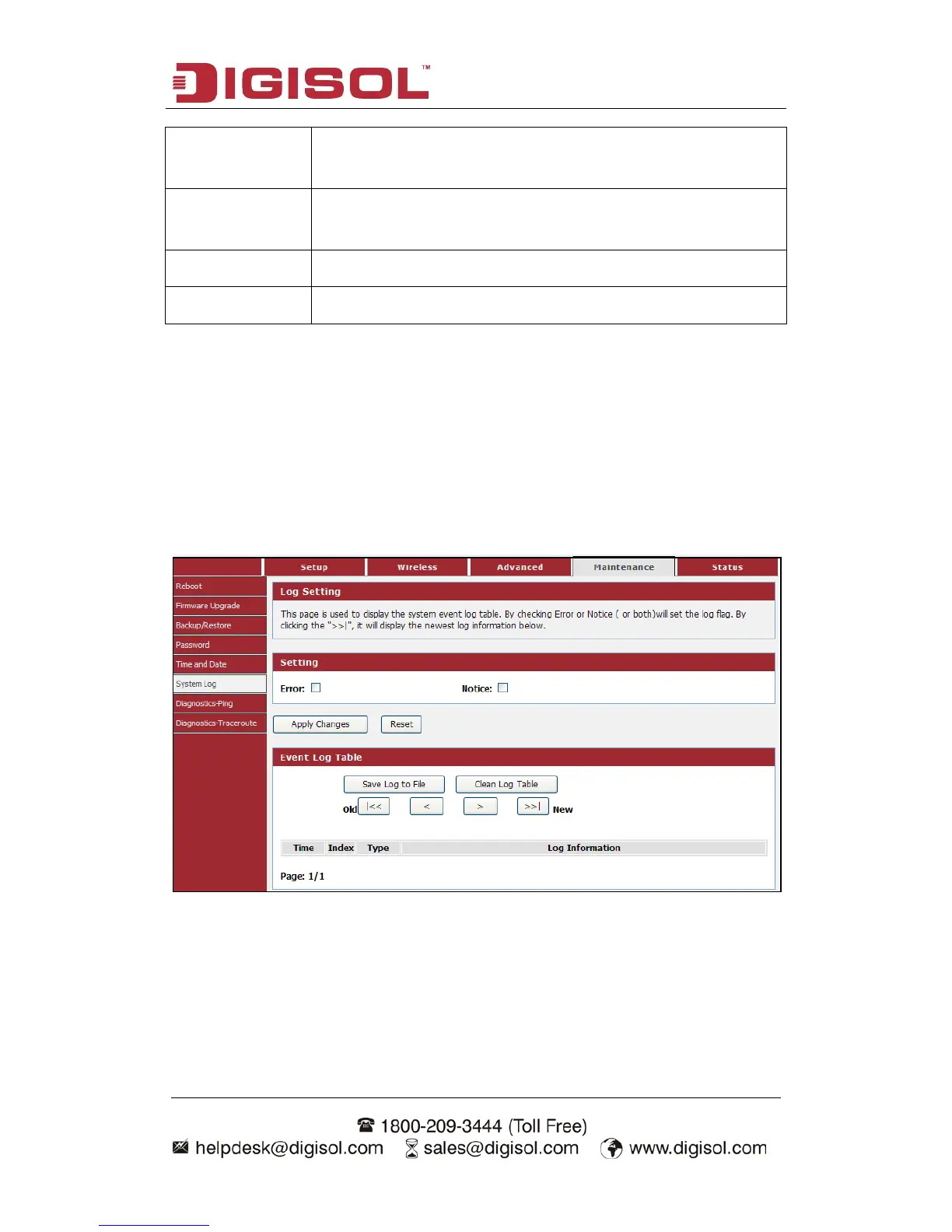
4-4-6 System Log
This page is used to display the system event log table. By checking Error or Notice
(or both) will set the log flag.
Choose menu MaintenanceSystem Log”, below given screen will be displayed.

Other manuals for Digisol DG-HR1400

Related product manuals