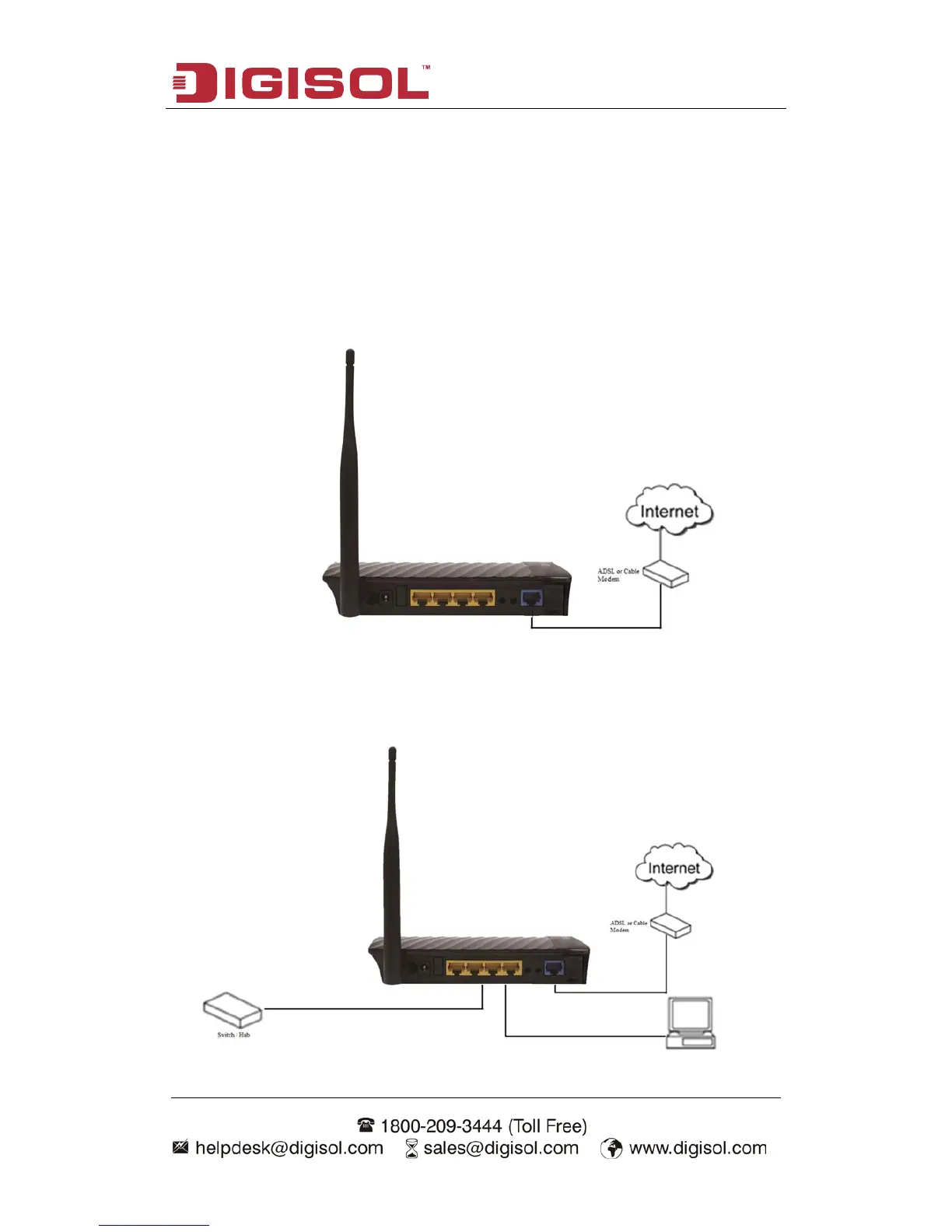
2-3 Hardware Installation
Please follow the below mentioned instructions to build the network connection
between your new WIRELESS router and your computers network devices:
1. Connect your xDSL / cable modem to the WAN port of the router by an Ethernet
cable.
2. Connect all your computers, network devices (switch / hub) to the LAN port of
the router.



 To Next Page