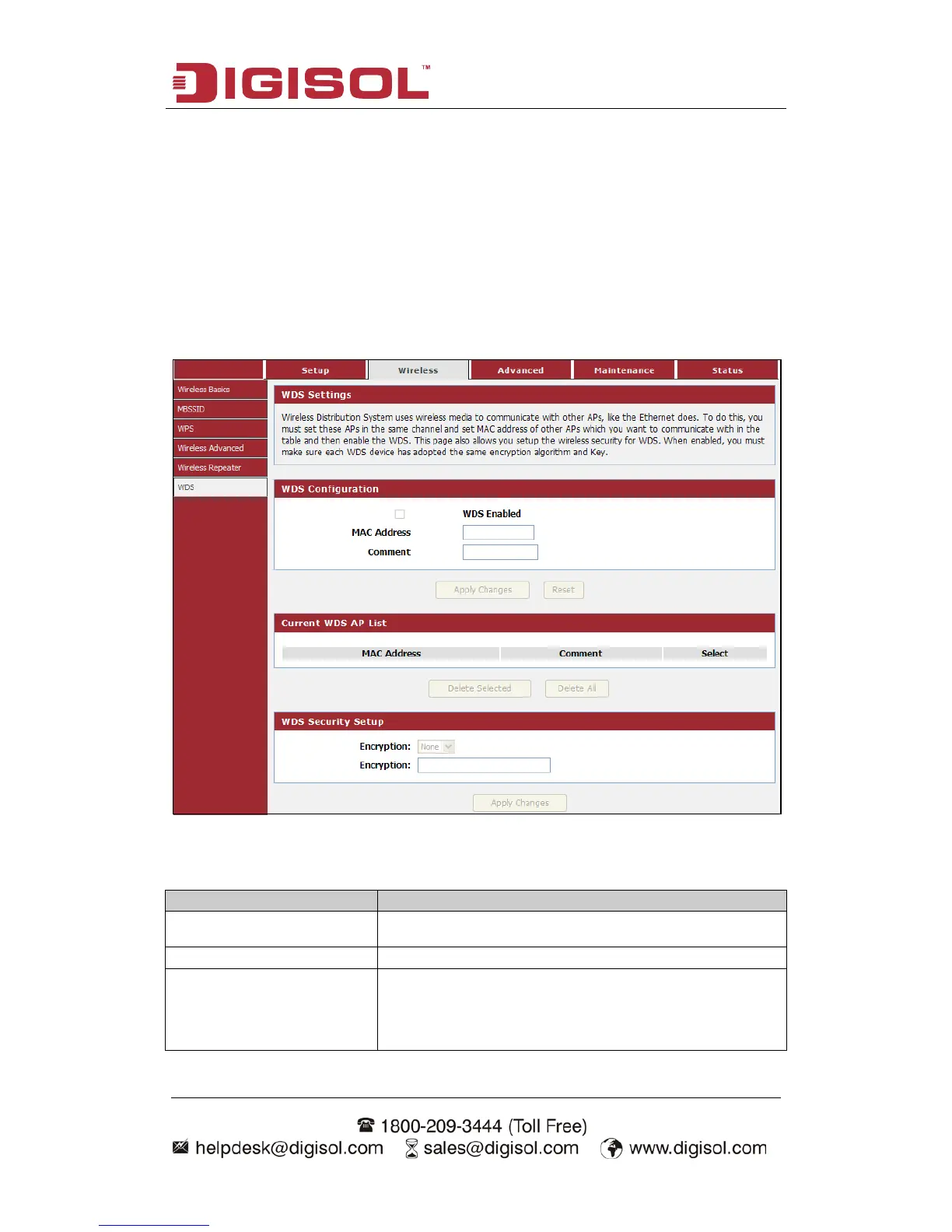
4-2-6 WDS
Wireless Distribution System uses wireless media to communicate with other APs,
like the Ethernet does. To do this, you must set these APs in the same channel and set
MAC address of other APs which you want to communicate within the table and then
enable the WDS. This page also allows you setup the wireless security for WDS.
When enabled, you must make sure each WDS device has adopted the same
encryption algorithm and Key.
Choose menu “Wireless→WDS”, below given screen will be displayed.
Here is the description of every setup item:
be configured to use the same radio channel, method of
encryption (none, WEP, TKIP or AES) and the same



 To Next Page