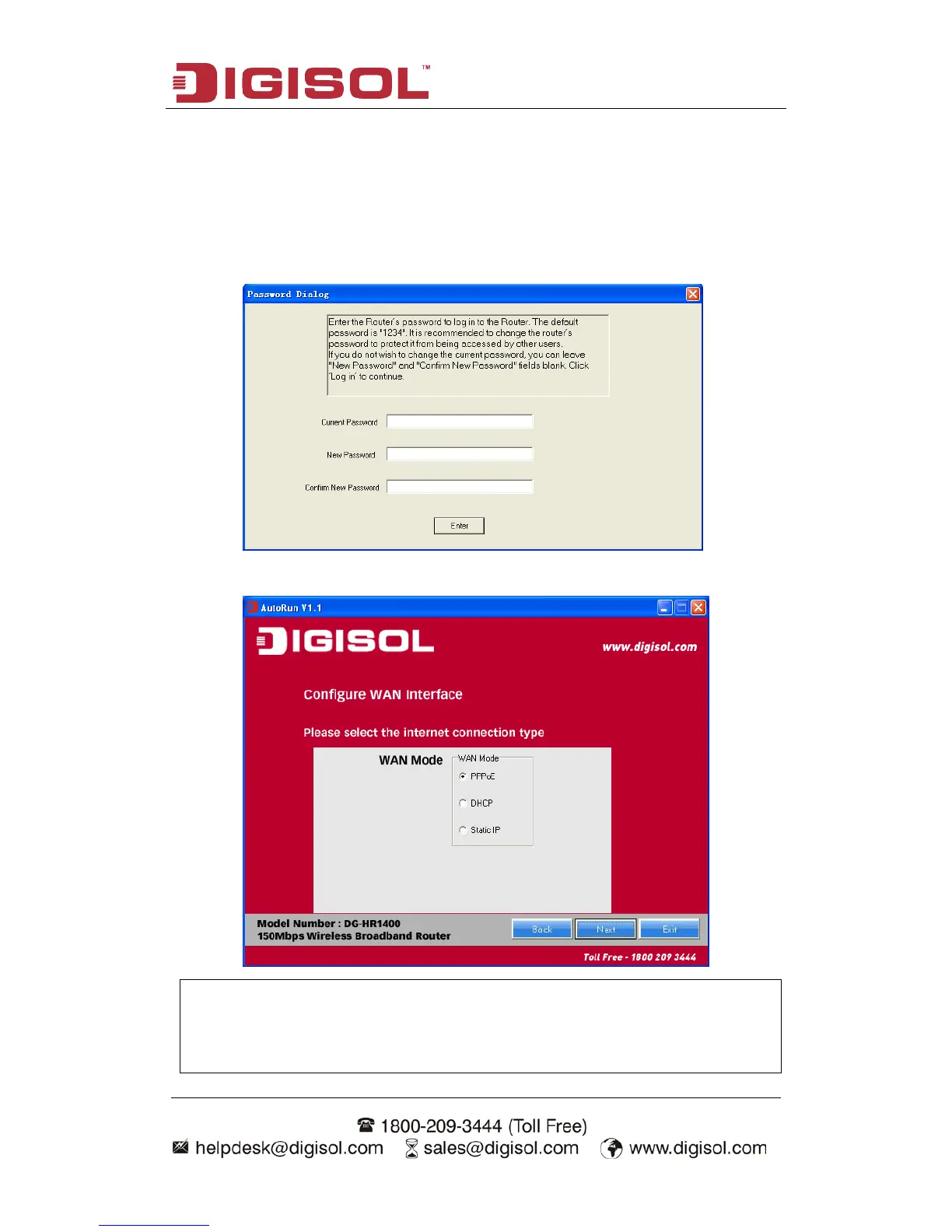
• Enter the Router’s password to log in to the Router. The default password is
“1234”. It is recommended to change the router’s password to protect it from
being accessed by other users. If you do not wish to change the current
password, you can leave “New Password” and “Confirm New Password”
fields blank. Click ‘Enter’ to continue.
• Please select the internet connection type. Click ‘Next’ to continue.
NOTE: The steps menti



 To Next Page