D4204-EN Scale Link 2 Technical Manual 17
Selecting the active scale (multi-scale models only)
SLC2810: Press ‘SELECT’ until SCALE is displayed. Press ‘FUNCTION’ to select available scales.
UT: On the UT screen, touch the scale that you want selected.
Changing Setup & Calibration Numbers
SLC2810: Select the active scale (multi-scale units). Use DAN codes and ‘SELECT’ key to adjust counts, weigh
method, setup, calibration, etc. DAN 8711 and 8712 used for entry of known setup and calibration numbers.
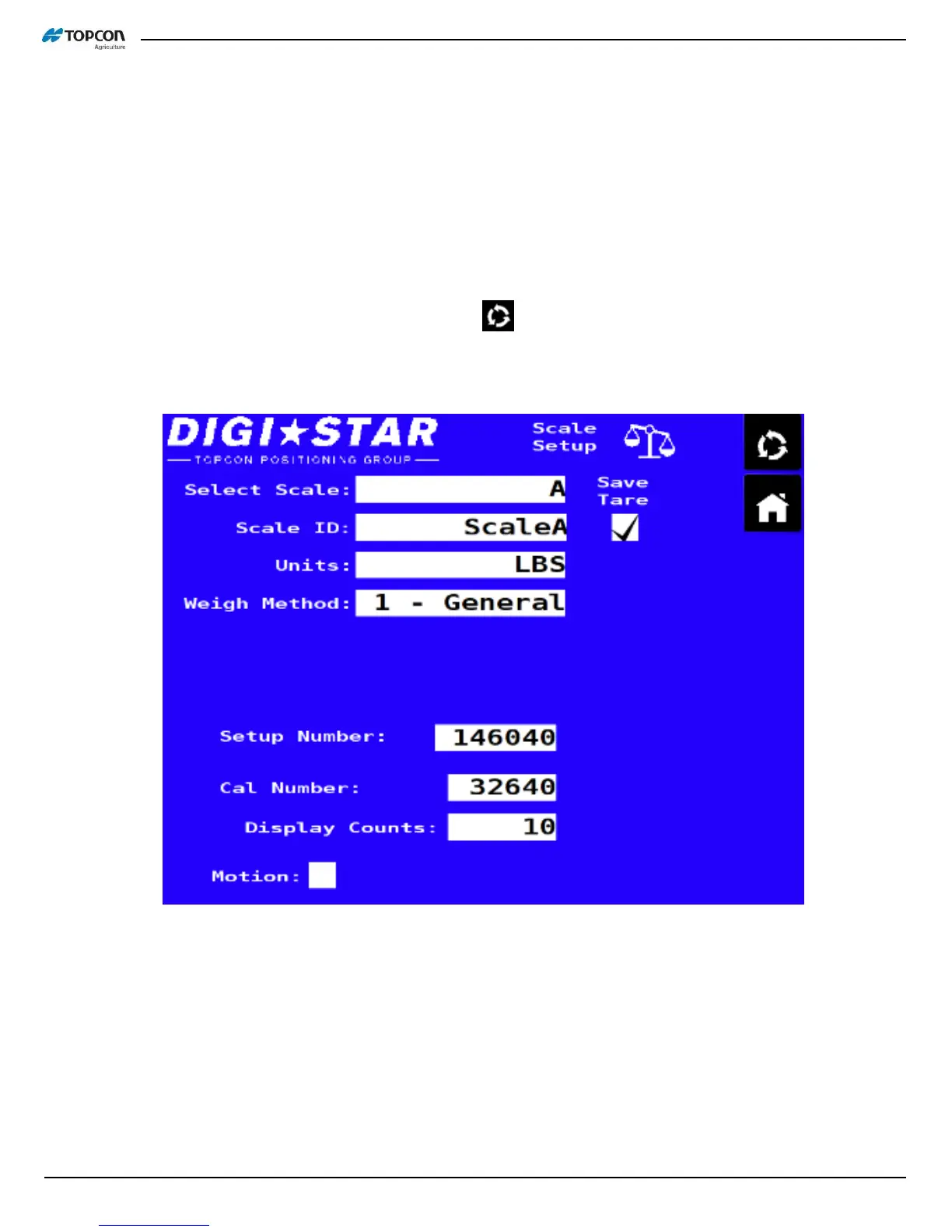
UT: Touch the spinning arrow button above the home key . Touch the ‘Select Scale’ box and choose the scale
to update (multi-scale units). Change Scale ID, Units, Setup Number, Cal Number, or Display Counts as needed.



 To Next Page