24 Scale Link 2 Technical Manual D4204-EN
Entering DAN codes on UT
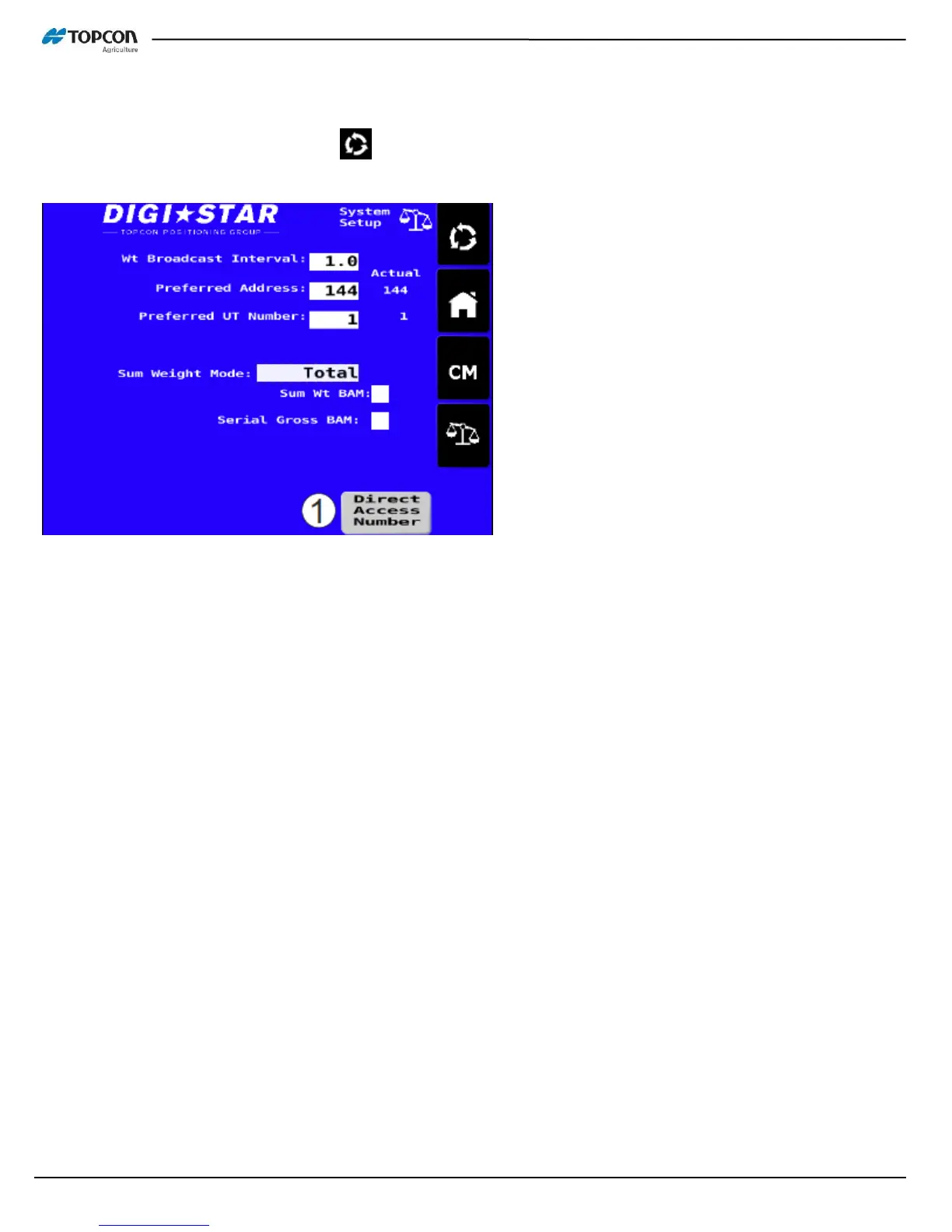
On UT, press spinning arrow button 2x . This brings up the settings screen. Press the ‘Direct Access Number’
button (1). In next screen, touch the white box to bring up number keypad, type in DAN code then enter.
Time and Date
DAN 1201: Sets time format
DAN 1202: Sets time
DAN 1203: Sets date format
DAN 1204: Sets date
Basic Serial Settings (see D4020 for complete list)
DAN 2101: Set Scoreboard output
DAN 2201: Sets COM1 baud rate
DAN 2202: Sets COM1 parity
DAN 2203: Sets COM1 data bits
DAN 2204: Sets COM1 delay time prior to serial output
DAN 2211: Sets COM2 baud rate
DAN 2212: Sets COM2 parity
DAN 2213: Sets COM2 data bits
DAN 2214: Sets COM2 delay time prior to serial output
DAN 2304: Sets print format
DAN 5005: Selects COM port for Printer port
DAN 5006: Selects COM port for Scoreboard
DAN 5007: Selects COM port for Opstat (TST and other RS232 interface applications)



 To Next Page