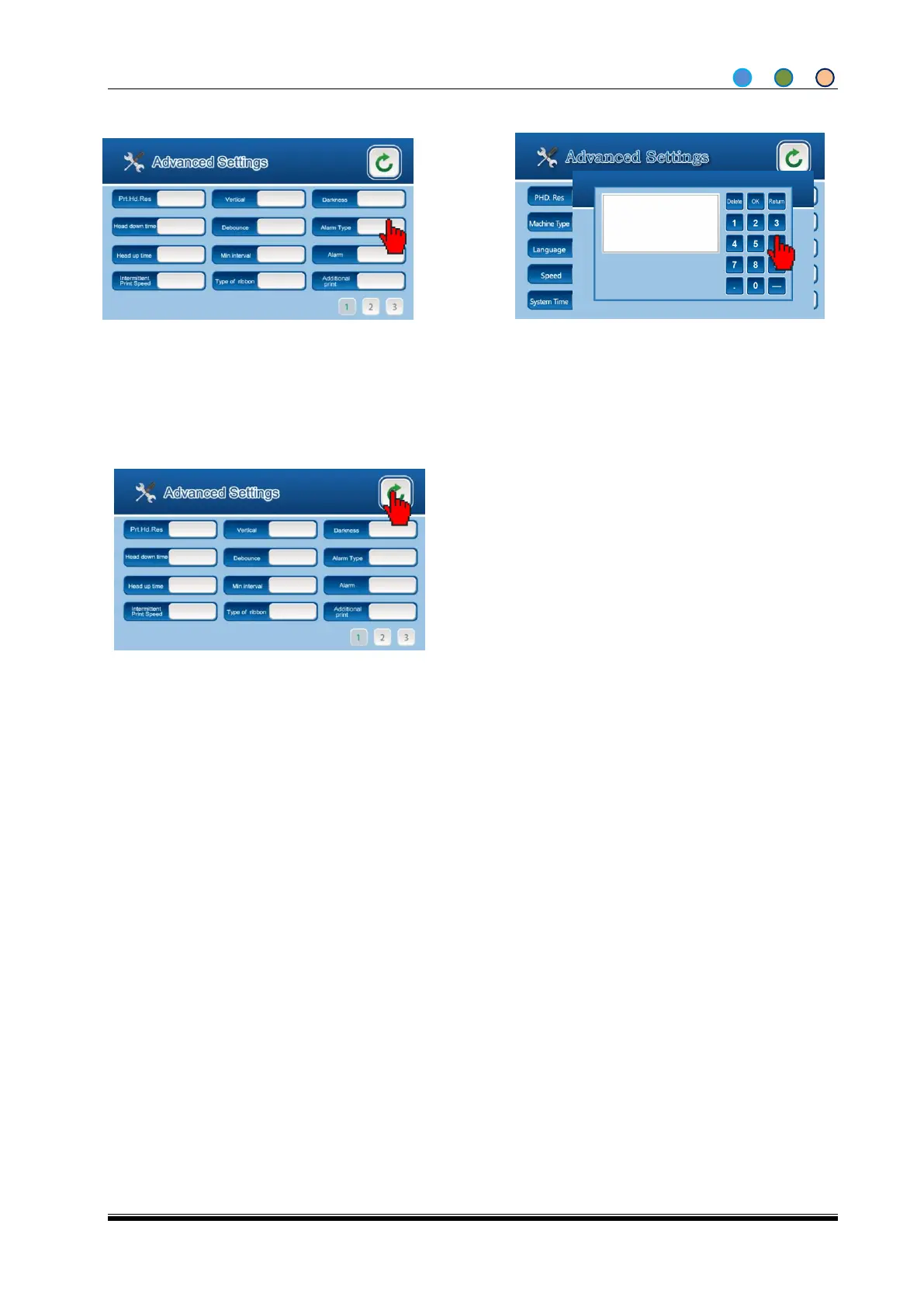
Note: The user can setup the darkness to adjust printing heat according to the material used. The
printing head could be damaged if the temperature is too high. You can setup the darkness by changing
the heating or cooling time of each line of points.
Usually, the printing strokes grow bolder as the darkness increases, vice versa. Some ribbons and
underlayment may require special darkness to ensure the printing quality.
The darkness data can be adjusted between 0-50 to avoid print head damage because of wrong
darkness input. Our suggestion is to set the darkness at the lowest level as required, thus the print head
can sustain as long as possible. If the darkness level is too high, it can cause poor printing quality or
ribbon broken (especially while printing barcodes or horizontal lines). If there is printing point damaged
and there is no spare part, you can increase the darkness to fill the gap by enlarging the heating area.
This is an emergency method before you got the new printing head.
If the new printing head is installed, the darkness should be decreased.


 To Next Page
 Loading...