Introduction
3
How to Use this User Guide
Guide Conventions
• The labels of the remote-control buttons are all in capital letters.
Example: Press SAT.
• Select means to move the highlight to an on-screen option or choice in a menu list and
then press the SELECT button on the remote control.
Example: Select the Locks option.
• This user guide uses HD to refer to high definition and SD for standard definition.
• Where this guide mentions nearby TV, it is referring to TV1, the TV nearest the
receiver. The nearby TV receives TV1 menus and programming from the receiver’s
TV1 outputs and is connected using relatively short audio/video cables.
• Where this guide mentions remote TV, it is referring to TV2, one or more TV(s) located
away from the receiver, often in other rooms. The remote TV receives TV2 menus and
programming from the receiver’s TV2 outputs through your in-home coaxial system.
• Where this guide mentions a remote control, it usually refers to either Remote
Control 1 when viewing a nearby TV or to Remote Control 2 when viewing the remote
TV(s). If a specific remote control must be used, then this guide will refer directly to
Remote Control 1 or Remote Control 2.
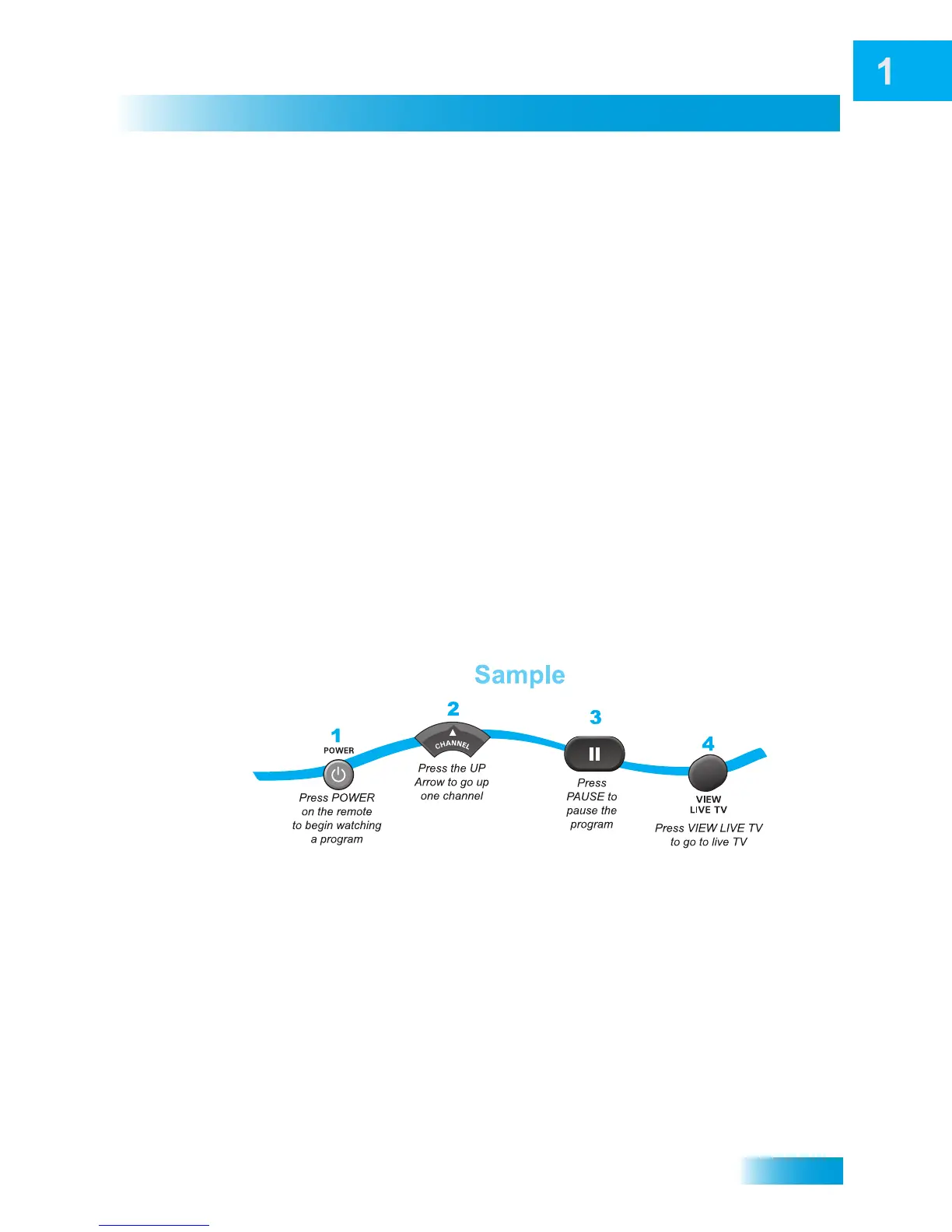
• The instructions in this guide are shown in two ways:
– Instructions in the form of pictures are handy if you’d like to learn something
quickly. These instructions are numbered left to right as shown in the sample
below.
– Instructions that are written out are helpful if you’d like to learn more details.



 To Next Page