Pay Per Programs
37
Ordering Considerations
ORDERING CONSIDERATIONS
Keep in mind these important considerations about pay-per-view types of programs.
• When you confirm an order for a program, you cannot cancel the order and you will be
billed for it.
• You can use Locks to control the programs your family views. See What are Locks?
on page 44.
• You can review what you have rented during the last 30-60 days by looking in your
Purchase History.
• The program titles you order will appear on your DISH bill.
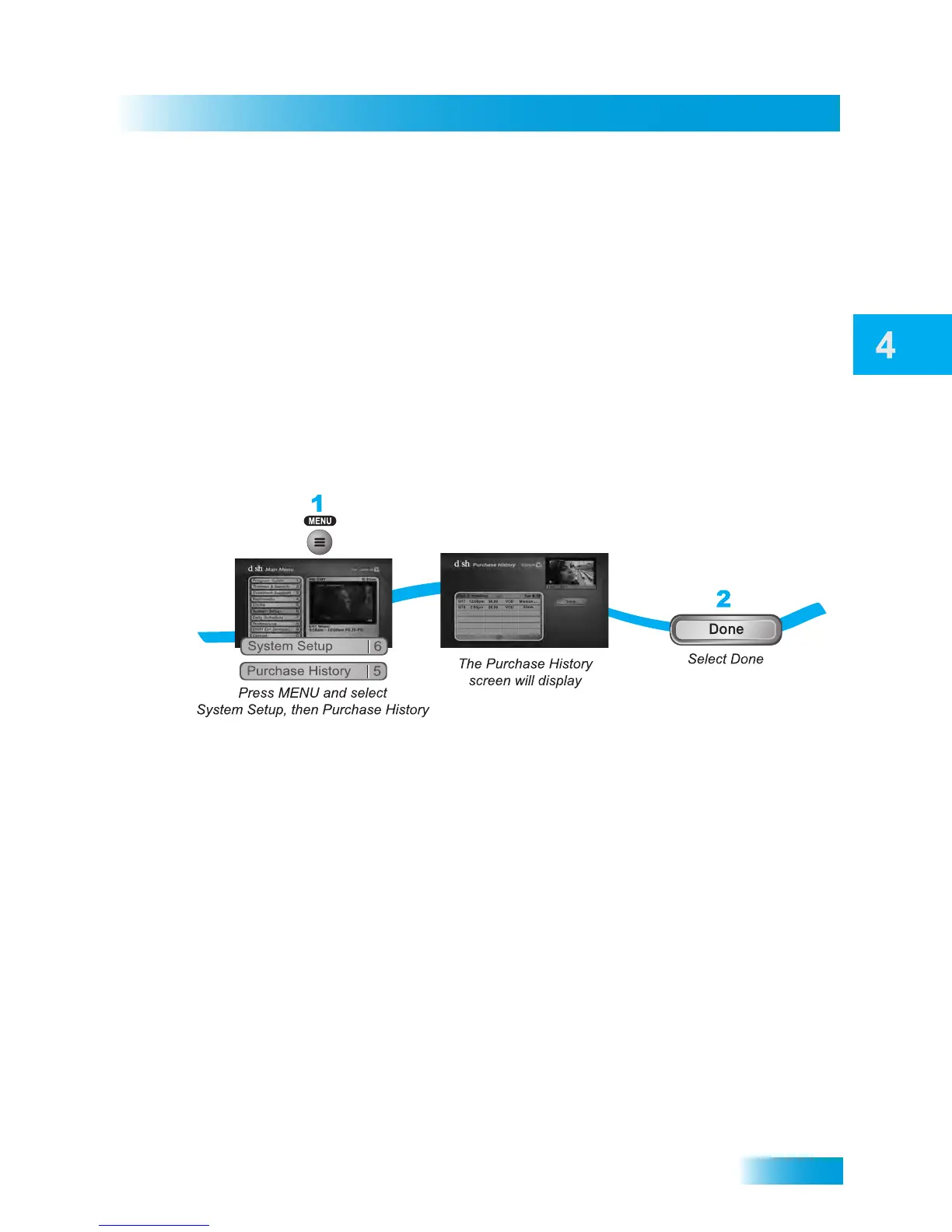
Reviewing Orders
1 Press MENU and select System Setup, then Purchase History. The Purchase History
screen will appear so you can review your past orders.
2 Select Done when finished.



 To Next Page