68
Setting Up an Automatic Timer
Chapter 9
SETTING UP AN AUTOMATIC TIMER
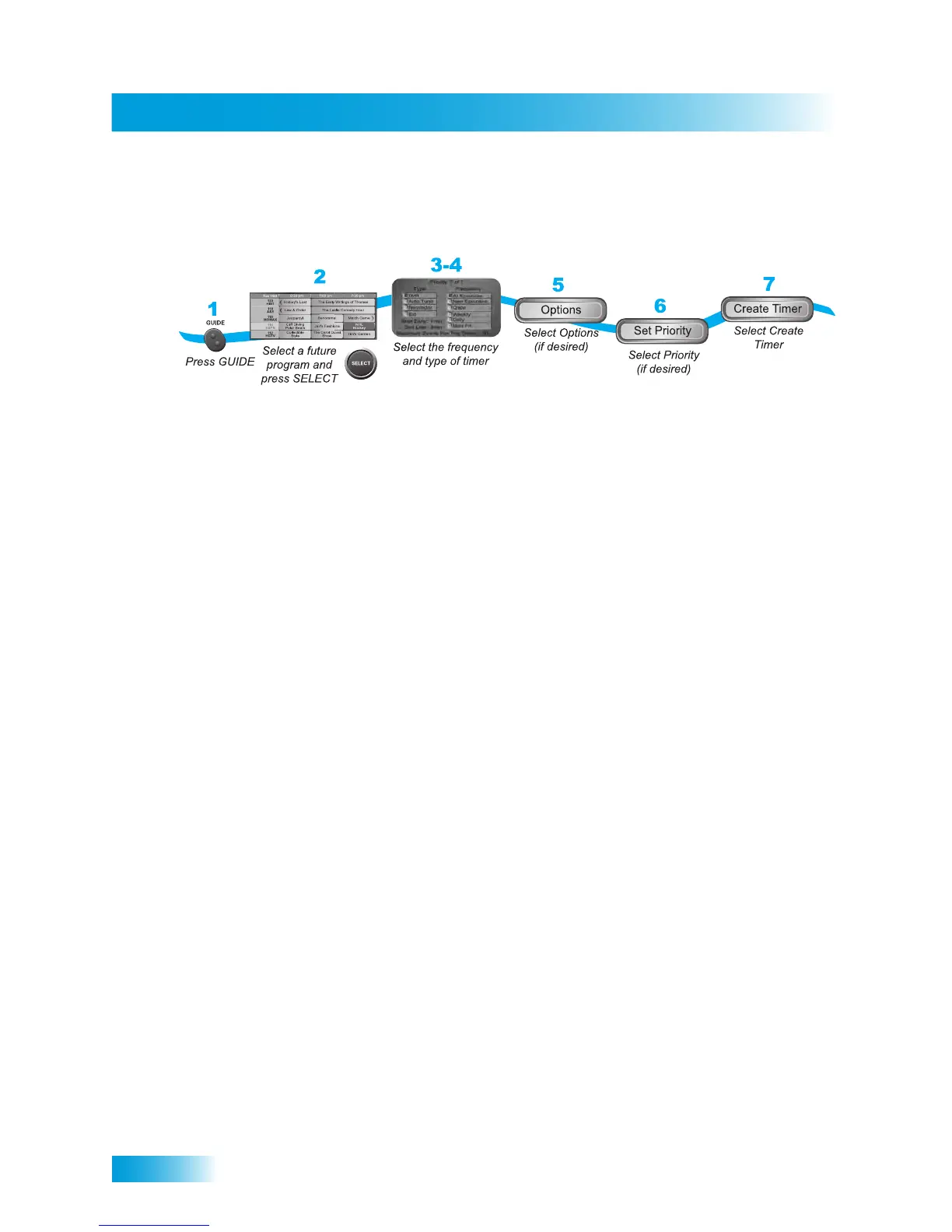
1 Find a program or event to record that starts in the future using the Program Guide or
Browse Banner. The program can be a satellite or over-the-air TV program (see page 125
for information and instructions on connecting an over-the-air antenna to your receiver).
2 Select the future program or event. The Create Timer screen displays.
3 Select one of the Timer Types (see page 64 for more details).
4 Select the Timer Frequency (see page 64 for more details).
5 Select any Options (see page 65 for more details), as applicable.
6 Select Set Priority if you would like to change the current priority of the event timer (see
page 64 for more details).
7 Select Create Timer to save the new event timer.



 To Next Page