Record Future Programs
69
Setting Up a Manual Timer
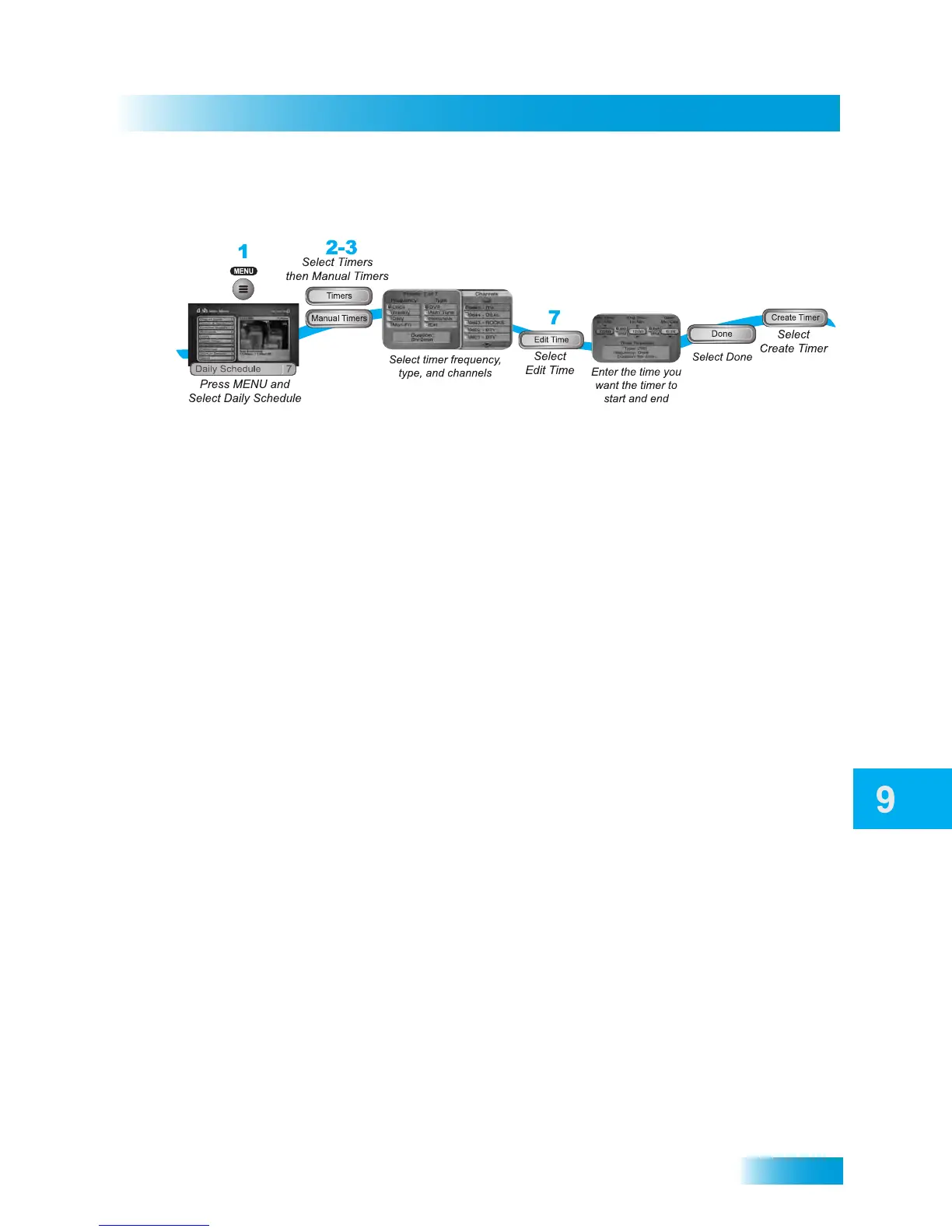
SETTING UP A MANUAL TIMER
1 Press the MENU button and select Daily Schedule. You can also press the DVR button
three times for quick access to the Schedule screen.
2 Select Timers.
3 Select Manual Timer.
4 Select one of the Timer Types (see page 64 for more details).
5 Select the Timer Frequency (see page 64 for more details).
6 Select the channel (may be either satellite or over-the-air TV). Use the UP/DOWN
ARROWS, PAGE UP/DOWN, or NUMBER PAD buttons to find the specific channel.
7 Select Edit Time.
8 Set the Start Time and End Time, including either AM or PM for each.
9 Set the Date.
10 Select Done.
11 Select Create Timer to save the new event timer.
4-6
8-9
10
11



 To Next Page