Connections and Setup
131
Using Troubleshooting Tools
Receiver Diagnostics
The Diagnostics screen allows you to check the phone and broadband Internet connection
of your receiver.
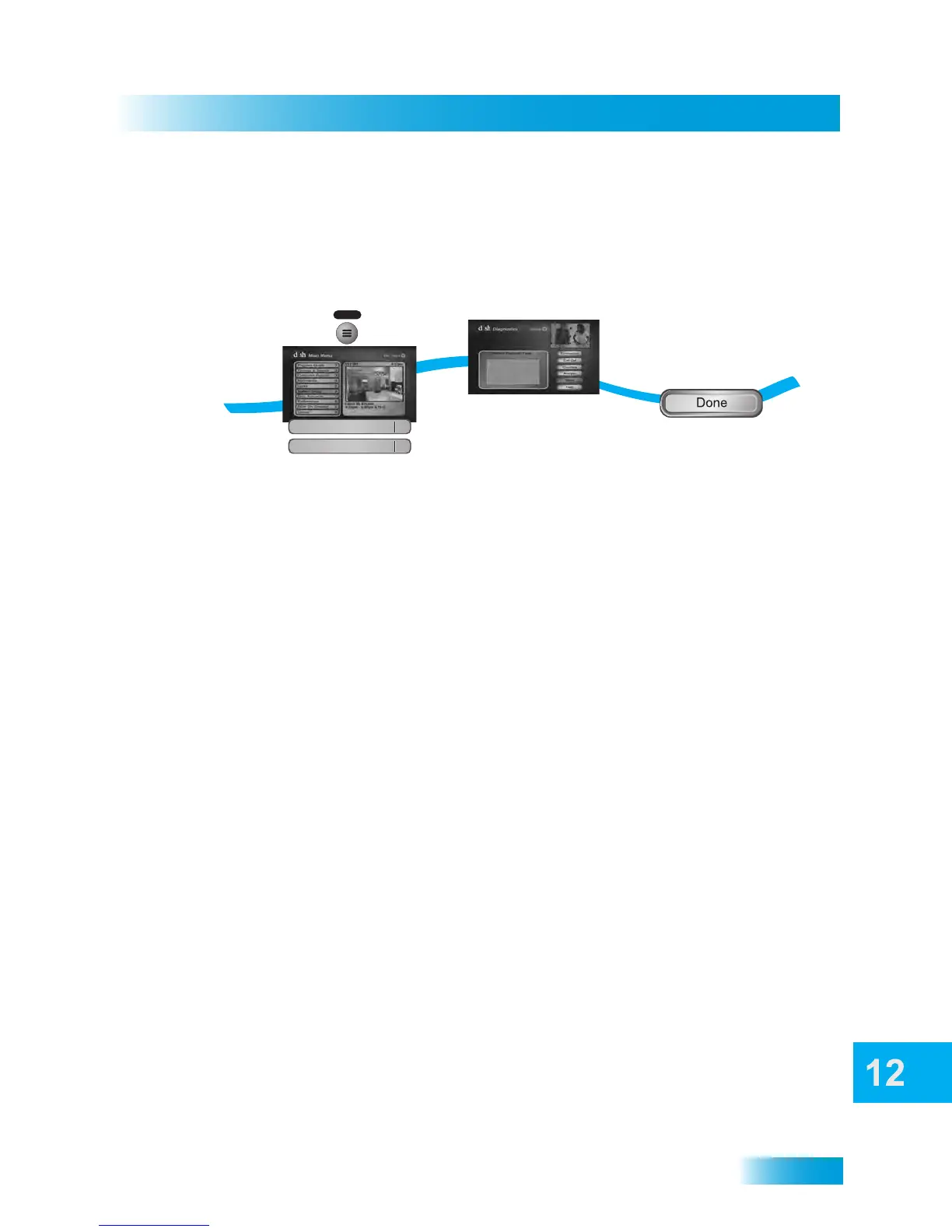
1 Press the MENU button, select System Setup, and then Diagnostics.
2 The Diagnostics screen shows you various tests that a DISH Customer Service
Representative may ask you to initiate for your receiver:
• Connection: Tests for a valid receiver telephone connection.
• Dial Out: If “No Dial Out Pending” is displayed, the receiver does not need to have its
smart card records updated.
• Counters: Shows you a list of diagnostic counters. Use PAGE UP and PAGE DOWN
to scroll through the list of counters displayed, if applicable.
3 Select Done.
1
2
3
Press MENU, select System Setup
and then select Diagnostics
Select
Done
MENU
System Setup
6
3
Diagnostics
The Diagnostics screen appears



 To Next Page