Remote Controls
85
Operating Other Devices
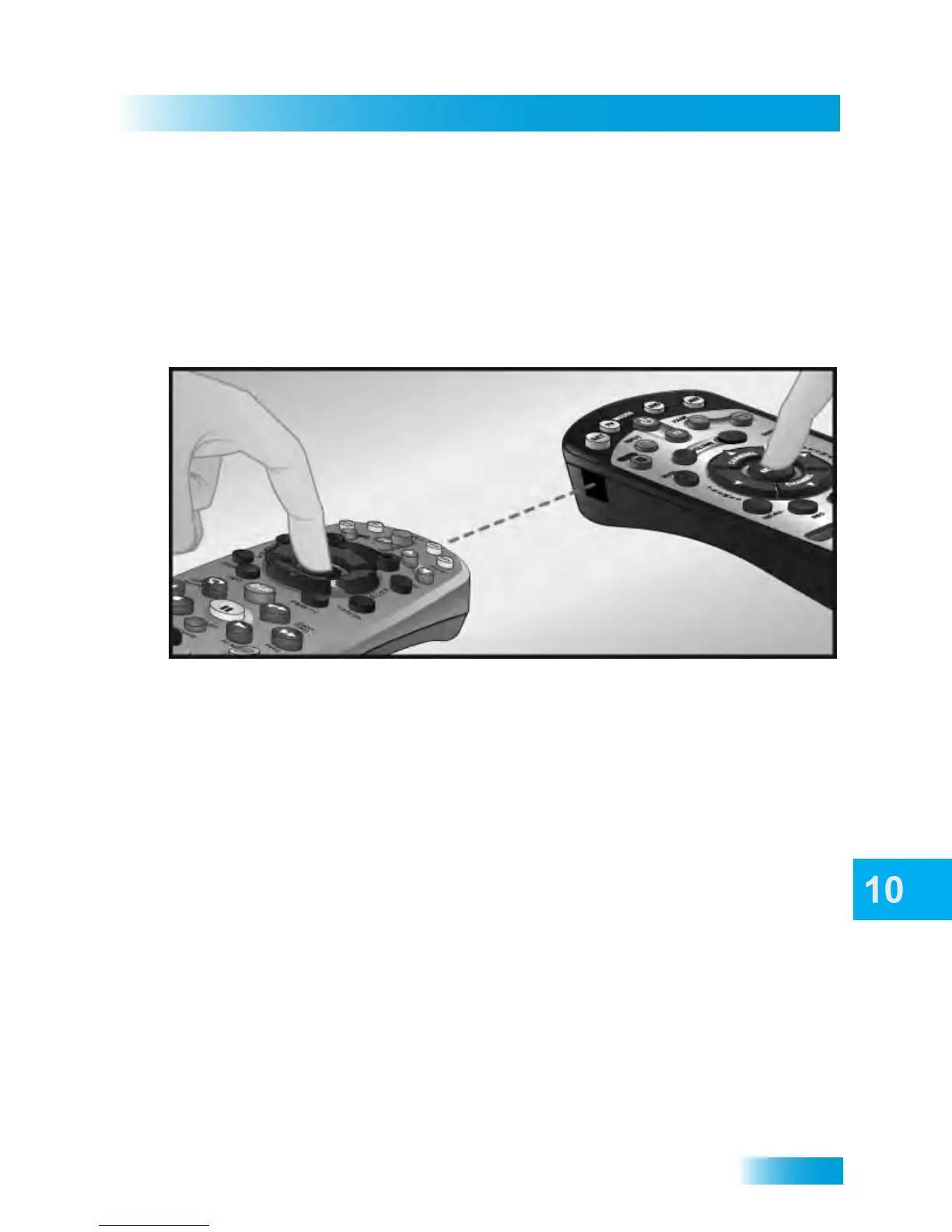
Learning from Another Device’s Remote
Use this procedure if you are unable to find a code that allows your DISH remote to control
your device or if some of the commands are not functioning as you expect after
programming your DISH remote to control your device (in TV, DVD, or AUX modes). Use
this procedure to have your DISH remote learn commands of the other device’s remote
control.
The remote control can learn commands in two ways:
• You can follow the instructions for using device codes to program a specific mode, and
then learn commands that add new or overwrite existing functions of the remote
control’s buttons in this mode. For this type of learning, any remote control button
without a learned command keeps the pre-existing command (if any) for that
programmed device code.
OR
• Each button on this remote control can learn a command from the equipment’s
original remote control. For this type of learning, any remote control button without a
learned command will have no function for that programmed device.
Learning can occur only on in TV, DVD, or AUX modes. The Mode buttons (SAT, TV, DVD,
and AUX) cannot learn a command. For each Mode button, the POWER button can be
learned to turn the devices associated with that Mode on and off.
Note: The TV POWER button turns the TV on and off in all Modes. It cannot be learned.
Note: The remote times out if a button is not pressed within 20 seconds. If the remote
times out, then start the learning process over again.
To “teach” your DISH remote control buttons specific commands for your devices,
complete the following



 To Next Page