8
Chapter 2: Camera Configuration
Chapter 2: Camera ConfIguratIon
Accessing the Camera’s Configuration
Menu (Graphical User Interface)
The camera’s default IP address is 192.168.0.250, make sure the IP address
of the computer accessing the camera is on the same network subnet
before proceeding.
You can access the camera via a web browser or CAM-FINDER software.
The following information outlines the instructions for each method.
Installing CAM-FINDER Software
1. Download the CAM-FINDER installer file. Please access: http://www.
diviotec.com/index.php?tid=1603&pid=31&cid=50
2. Unzip the CAM-FINDER file to a location on the hard drive.
3. Once unzipped, double click on the setup file to start the installation
program.
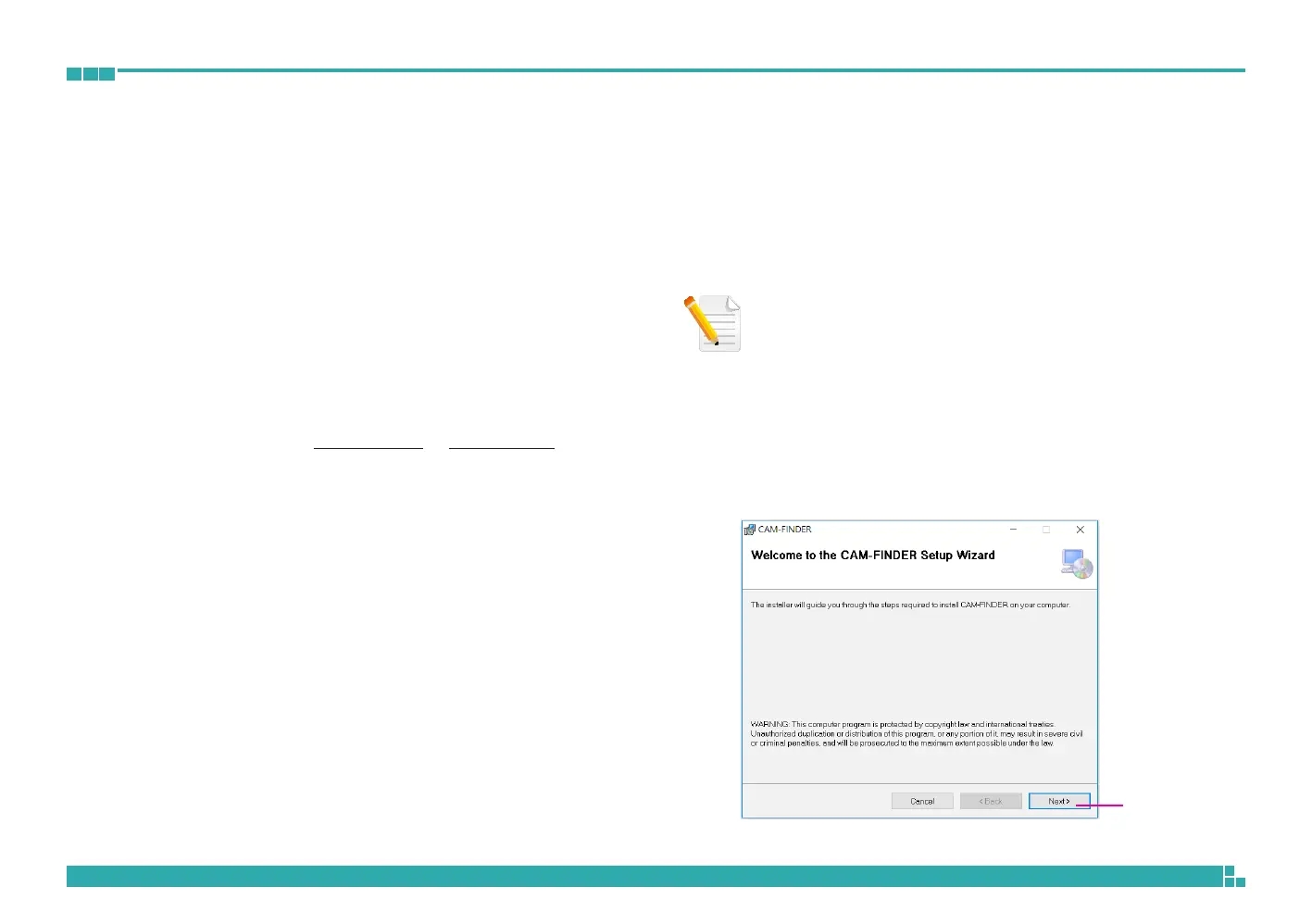
4. Click the Next button on the welcome screen to continue.
Next button
Note: If CAM-FINDER is already installed, you can skip this section and
continue to the next section CAM-FINDER on page 12.



 To Next Page