41
Chapter 2: Camera Configuration
Network - Firewall
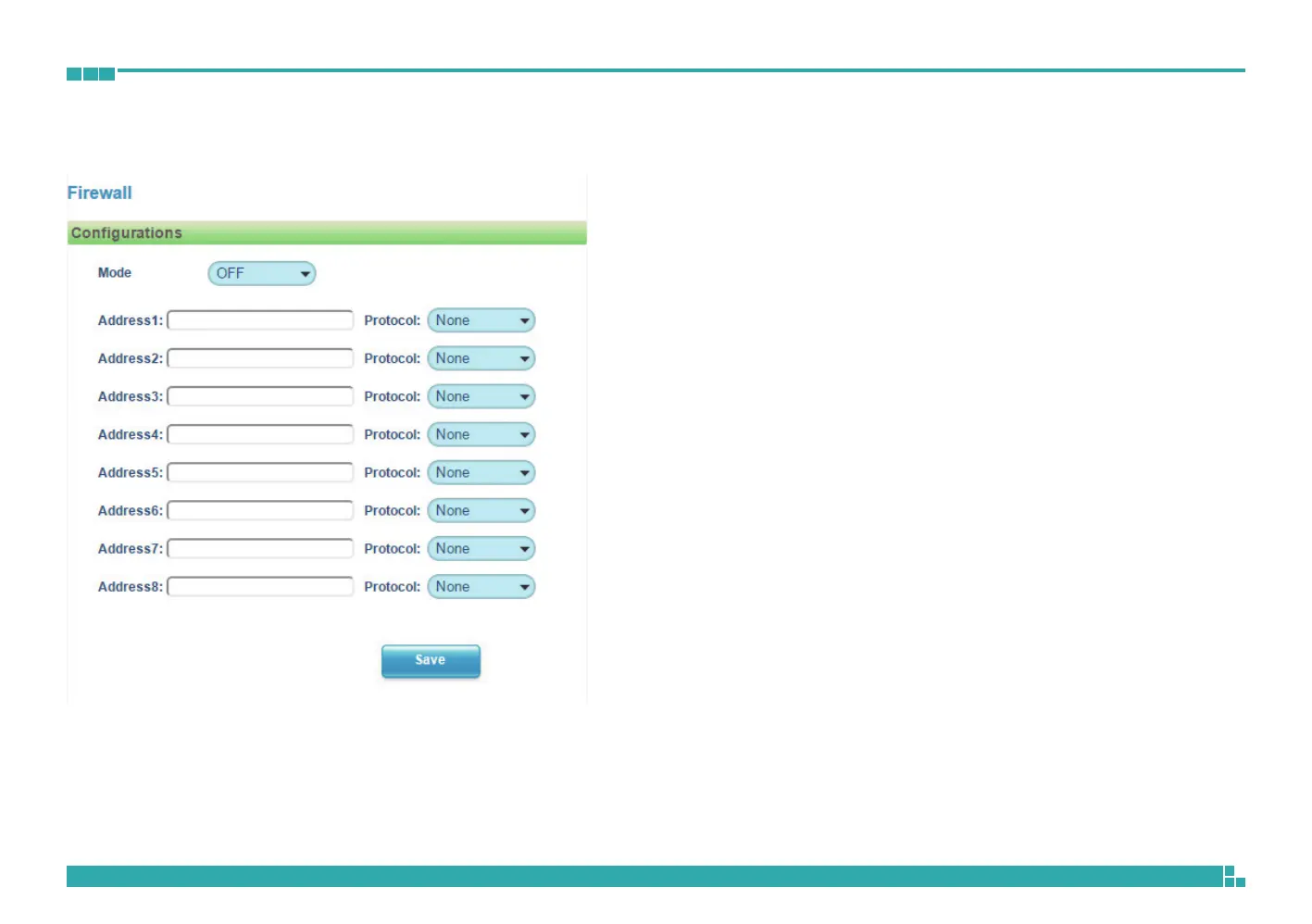
Firewall Configurations
Mode
Select OFF to disable the filtering of the specified IP address. Select Allow
or Deny in the drop-down menu to specify the type of filtering rule applied
to the IP address entered.
Address1 to Address8
The IP address and associated protocol (TCP, UDP or None) to filter can be
entered here. A total of 8 IP addresses can be added to the list.
Save
Save button to apply the configurations, click on this button once all the
settings are confirmed for the new changes to take effect.



 To Next Page