20
Chapter 2: Camera Configuration
Video - Audio Configuration
Audio Settings
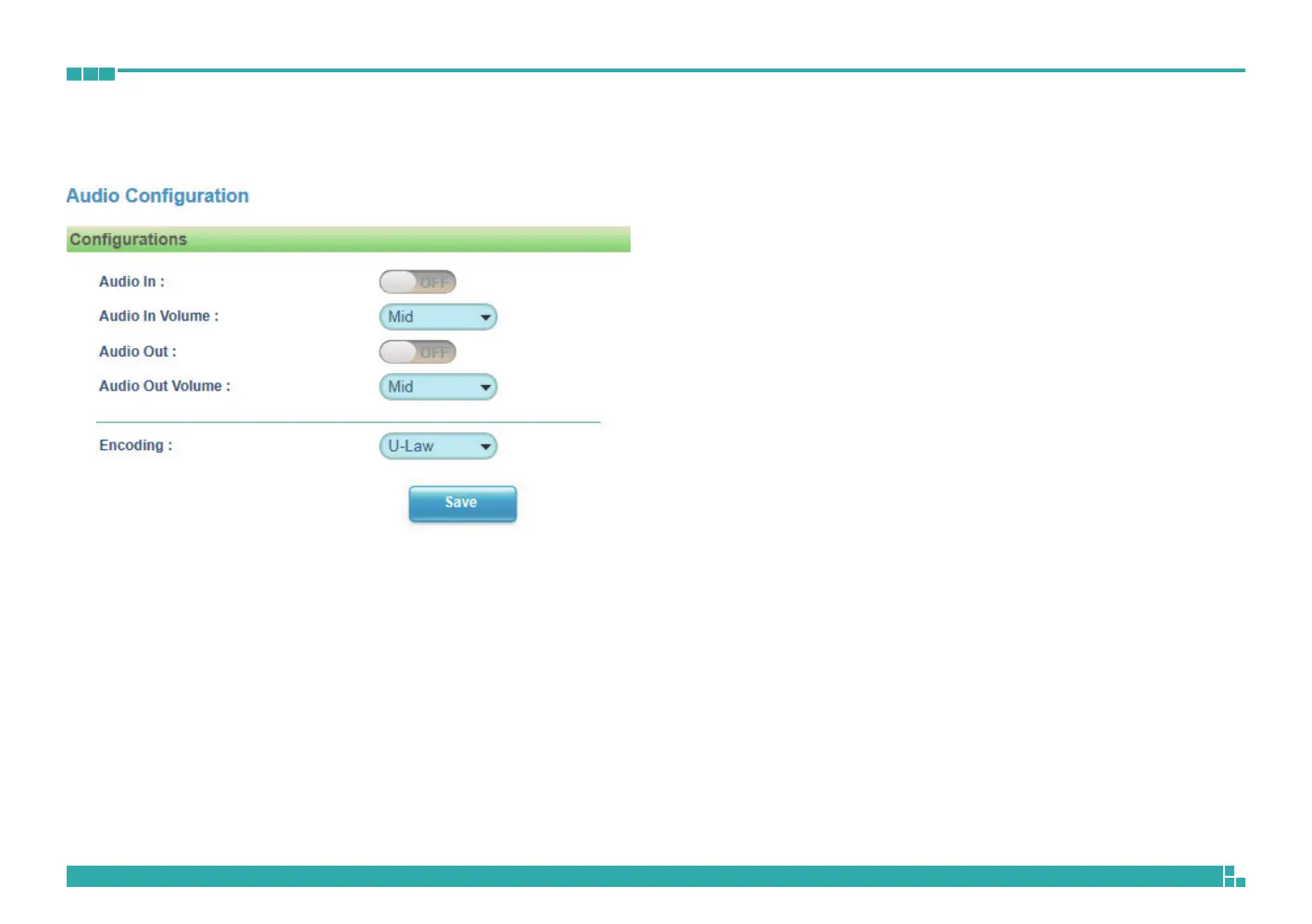
Audio In
Enables or disables audio-in on the camera.
Audio In Volume
Volume adjustment for audio-in of the camera. The available options are
High, Mid and Low.
Audio Out
Enables or disables audio-out on the camera. When enabled, specify the
volume in the Volume textbox. The range is 1~100. The volume can also be
adjusted by dragging the blue slider bar left or right.
Audio Out Volume
Volume adjustment for audio-out of the camera. The available options are
High, Mid and Low.
Encoding
Adjustment of audio compression. The available options are A-Law and
U-Law.



 To Next Page