39
Chapter 2: Camera Configuration
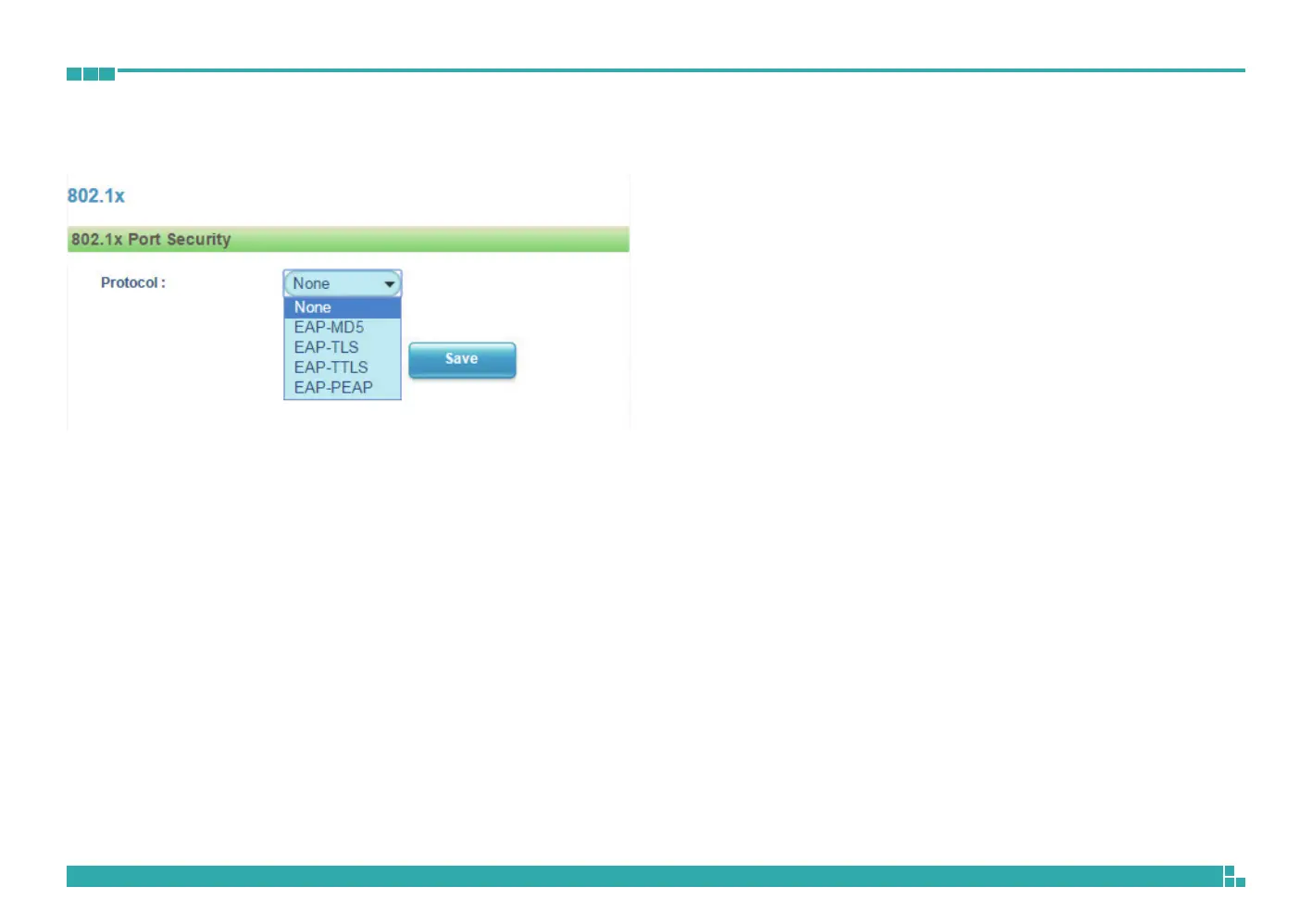
Network - 802.1x
802.1x Configurations
Protocol
The default is None to disable 802.1x function.
Select the protocols to enable 802.1x function. The available protocols are
EAP-MD5, EAP-TLS, EAP-TTLS or EAP-PEAP.
After the protocol has been selected, manually configure the username,
password and other required information.
Save
Save button to apply the configurations, click on this button once all the
settings are confirmed for the new changes to take effect.



 To Next Page