54
Chapter 2: Camera Configuration
Event - Motion Detection
Motion Configurations
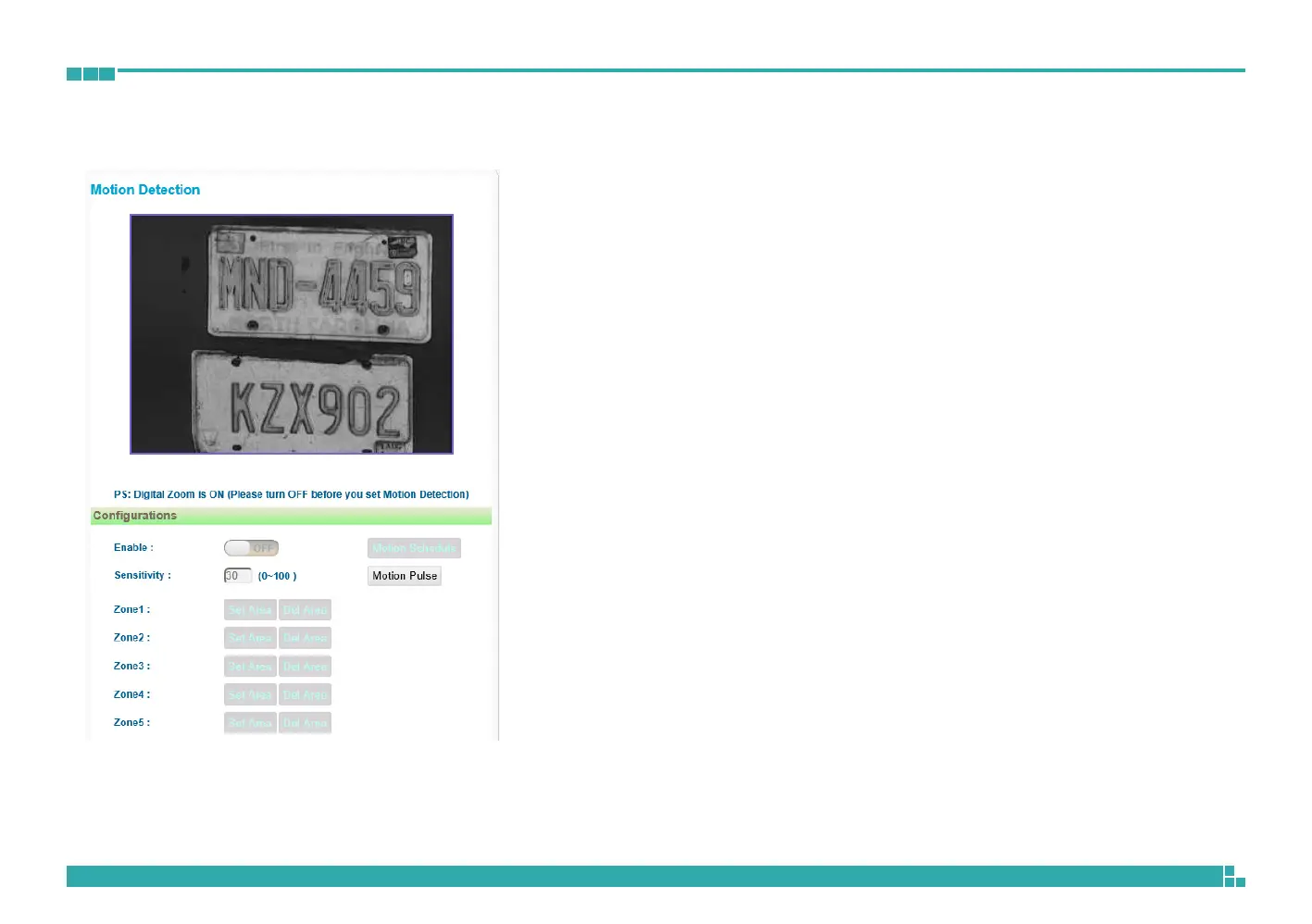
This section configures which area of the live video will be monitored for
detecting motion.
Enable
Enables or disables motion detection function.
Sensitivity
Configures the sensitivity of motion detection, the range is 0 to 100.
Zone1 to Zone5 Setup
Configures the type of area layout to use for motion detection. You can
configure up to 5 zones. The instructions below illustrate how to set up 5
zones.
1. To create zone 1, on the live video screen, select the area to set the
zone by holding down the mouse button and drag to make a rectangular
square, release the button once the desired area is covered.
2. Press the Set Area button in zone 1 to set this area as motion zone 1.
3. Repeat the above steps to create motion areas for zones 2 to 5.
To delete an area, find the motion zone number you would like to remove,
and press the Del Area button.



 To Next Page