21
Chapter 2: Camera Configuration
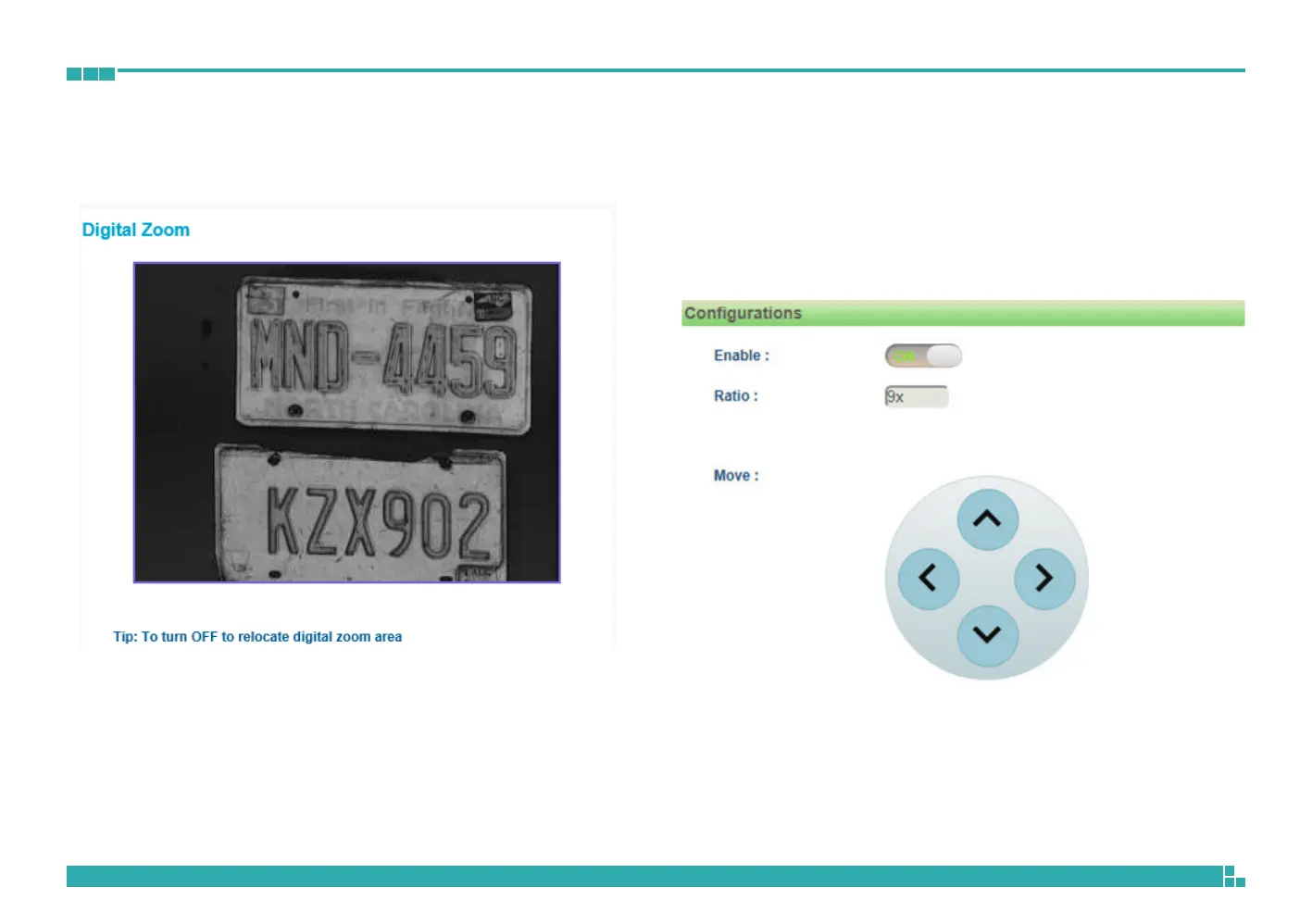
Video - Digital Zoom
Configurations
Enables or disables digital zoom feature. Drag the mouse to select the digital
zoom area directly on the live screen. When enabled, a zoom controller
panel will appear at the bottom of the screen to move the digital zoom area
toward four different directions in steps, as shown below.



 To Next Page