23
Chapter 2: Camera Configuration
Exposure Cont. (Advance Settings)
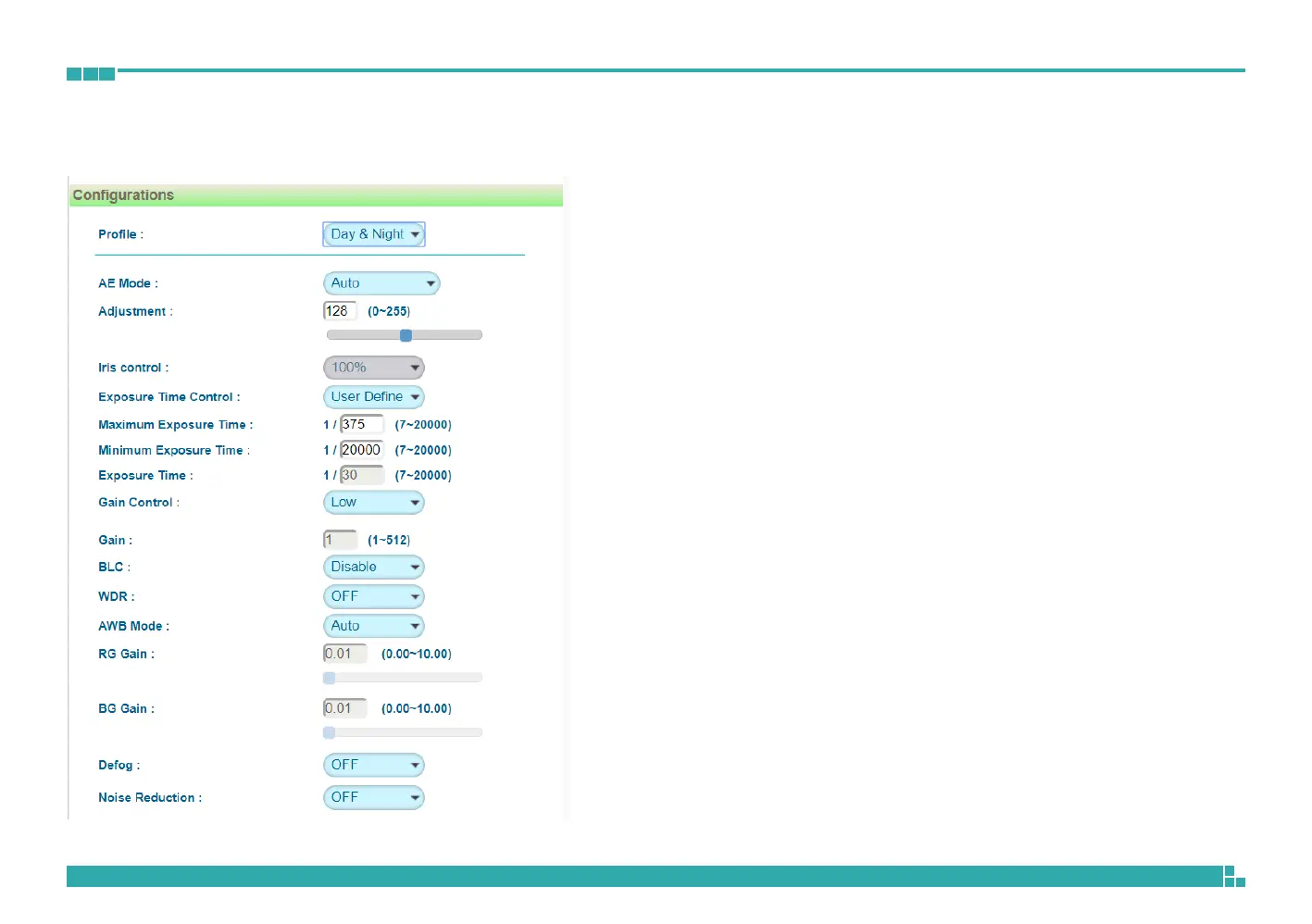
Gain Control
The available options are OFF, Low, Medium, High and User Define.
Select User Define to enter the value of Maximum Gain (the range is
1~512) manually.
Gain
The range is 1~512. It can only be edited when Lock is selected as the AE
Mode.
BLC
Enables or disables backlight compensation function, enable this option if
an image in the camera is too dark.
WDR
Enable this function if the camera is exposed to bright backlight, glare or
high contrast lighting. The available options are OFF, Low, Medium and
High.
AWB Mode (Auto White Balance Mode)
White balance allows the camera to produce more accurate colors under
different lighting conditions. The default setting is Auto White Balance,
which automatically adjusts the white balance to suit the current lighting
condition. You can also adjust the white balance manually through RG Gain
or BG Gain. The range is 0.00~10.00.
Defog
Enable this function to remove fog or moisture. The available options are
OFF, Low, Medium and High.
Noise Reduction
Enable this function to reduce noise. The available options are OFF and
1~11.



 To Next Page