29
Chapter 2: Camera Configuration
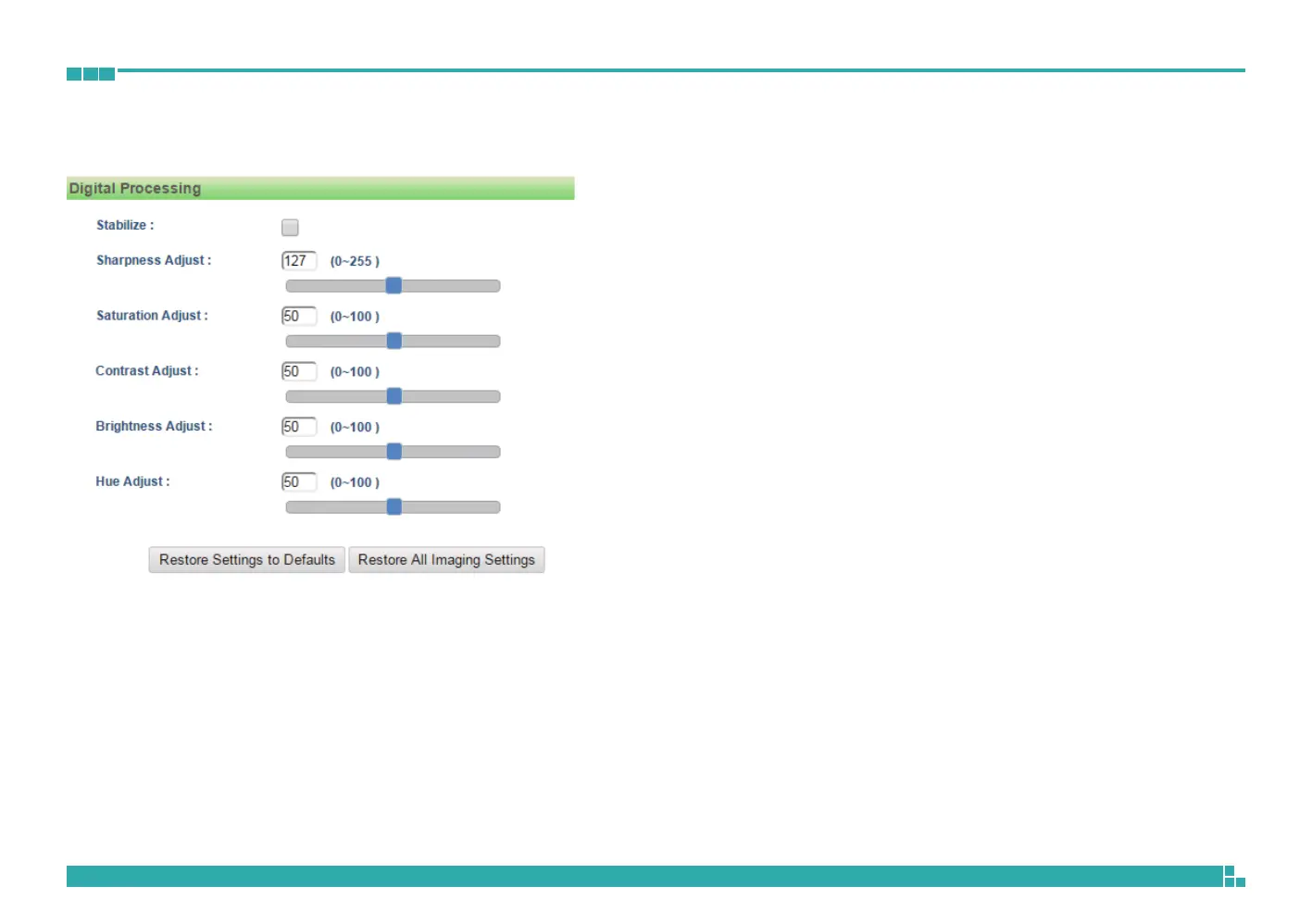
Brightness Adjust
Configures the brightness of the image, the range is 0 ~ 100, with 0 being
the lowest brightness. Enter the values or adjust the bar to increase or
decrease the values. The default value is 50.
Hue Adjust
Configures the overall hue of the image, the range is 0 ~ 100. Increasing the
value will adjust the image hue towards red. Decreasing the value will adjust
the image hue towards blue. The default value is 50.
Restore Settings to Defaults
Discards all the settings applied to the image and reset to the default
settings.
Default All Image Settings
Discards all the settings applied to the image and revert to the previous
settings.
Basic Settings Cont.



 To Next Page