revision: 1
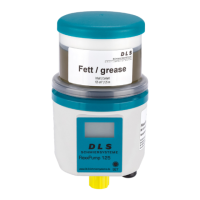
FlexxPump 125 B
User Manual
41
EN-
SCHMIERSYSTEME
DIRECT LUBRICATION SYSTEMS
D L S
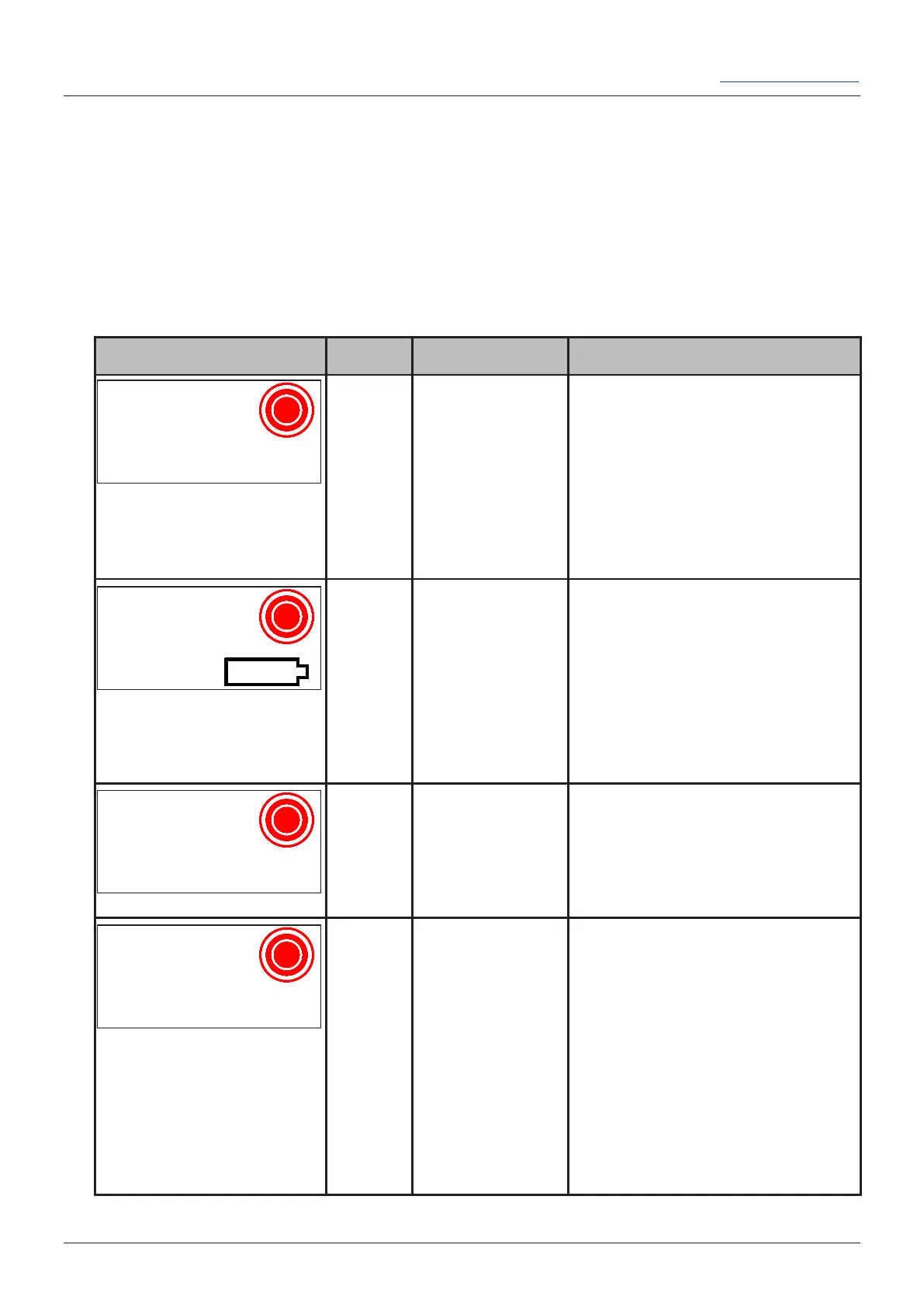
The microelectronics integrated in the FlexxPump 125 B permanently monitors the
status. In the event of irregularities, an addressed error message is displayed on the
LCD. The red LED ashes every 5 seconds and also signals an error optically.
LCD Name Description Remedy
Error
E1
Cartridge Error;
Cartridge not
recognized or
corrently not
mounted
Place a new cartridge on
FlexxPump 125 B (see chapter
7.2).
No confirmation of the error
necessary; it is automatically
cleared after the remedial
action.
Error
E1
Cartridge
(Symbol) empty
Place a new cartridge on
FlexxPump 125 B (see chapter
7.2).
No confirmation of the error
necessary; it is automatically
cleared after the remedial
action.
Error
E2
Overload;
the back
pressure at the
lubrication point
is too high.
Check the lubrication point
and eliminate the cause of the
fault.
Switch FlexxPump 125 B off
(OFF) and on (ON) again.
Error
E3
Battery empty
Switch FlexxPump 125 B off
(OFF).
Replace the battery together
with the cartridge (see chapter
7.2).
Switch FlexxPump 125 B on
(ON).
Before inserting the new
Battery, make sure the pump
has at least 40sec dead-
voltage, for error reset!
6.4 Error codes
The FIL-Menu can only be reached from the ON mode (FlexxPump 125 B switched
on). When you enter the FIL-Menu, you will return to the ON mode, even if you cancel
FIL prematurely with CLR.


 To Next Page