revision: 1
FlexxPump 125 B
User Manual
21
EN-
SCHMIERSYSTEME
DIRECT LUBRICATION SYSTEMS
D L S
6.3 Menu and LCD messages
The LCD of the FlexxPump 125 B can be used to read information optically, to change
settings in conjunction with the activation and programming key on the underside of the
FlexxPump 125 B, or to trigger individual actions.
In principle, settings can be changed and actions triggered both when the FlexxPump
125 B is switched off (OFF) and when it is switched on (ON).
The individual submenus are presented, described and explained in detail in chapters
6.3.3 to 6.3.9.
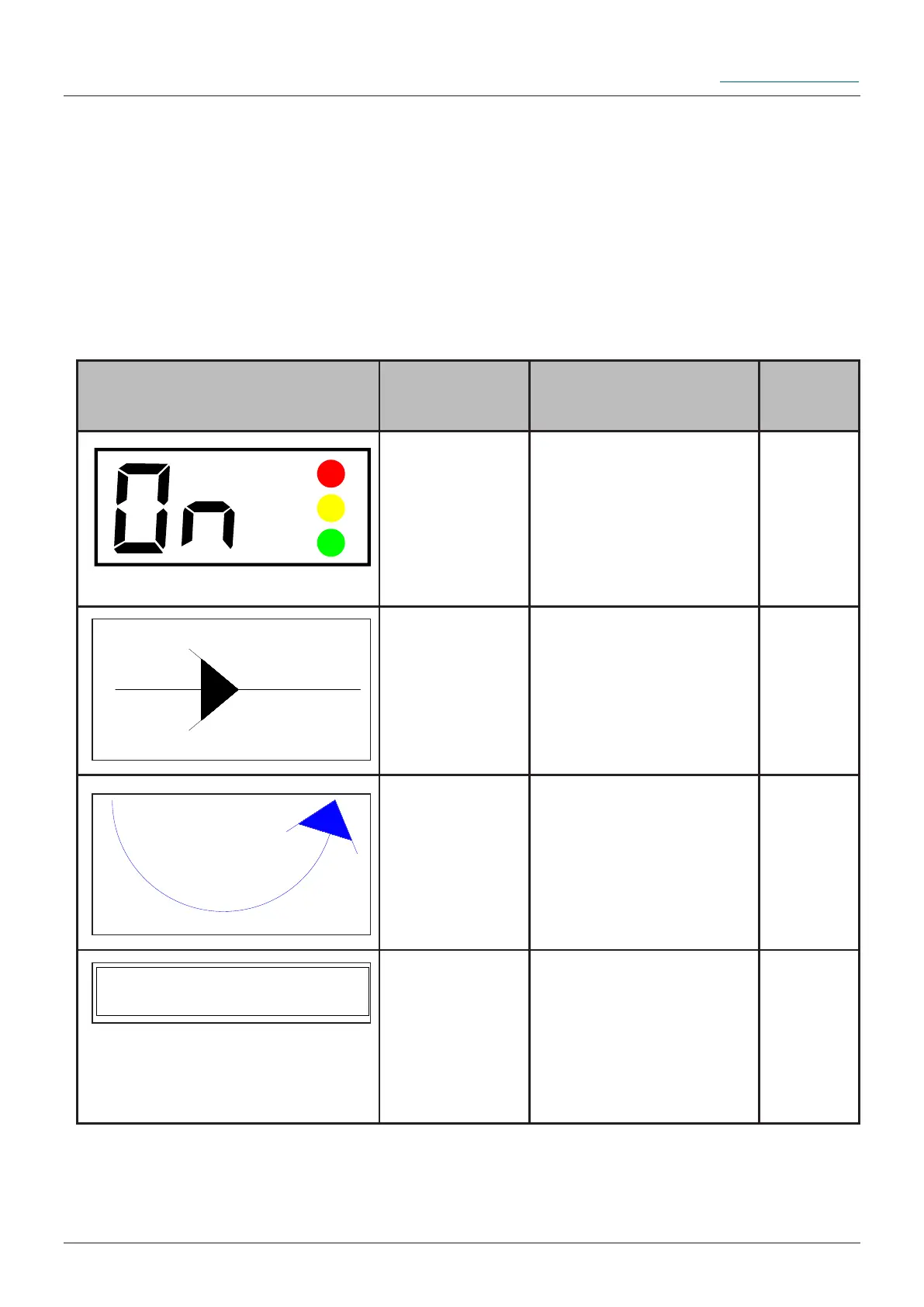
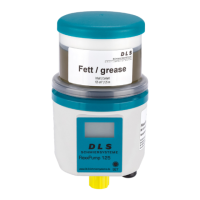
The symbolic representations used below are described as follows:
Symbol Description Note
Detail
chapter
LCD display The LCD displays
information both during
operation and for
programming purposes.
6.3.1
Sequence
arrow
The black sequence
arrow indicates the
unchangeable basic
structure of the menu.
./.
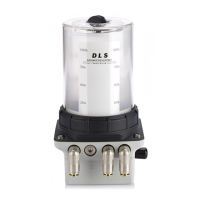
Action arrow The blue action arrow
shows the sequence of
touching the action area
with the activation and
programming key once.
6.3.2
Sub-Menu In the respective
submenus information
can be read, dispensing
processes can be
initiated and settings
can be changed.
6.3.4
to
6.3.9


 To Next Page