DOD Technologies, INC • 675 Industrial Dr. Bldg. A • Cary, IL 60013 • Phone (815) 788-5200 • Fax (815) 788-5300
First enter the configuration screen by following these steps:
1. Enter the Setup Menu
2. Enter the Factory Menu
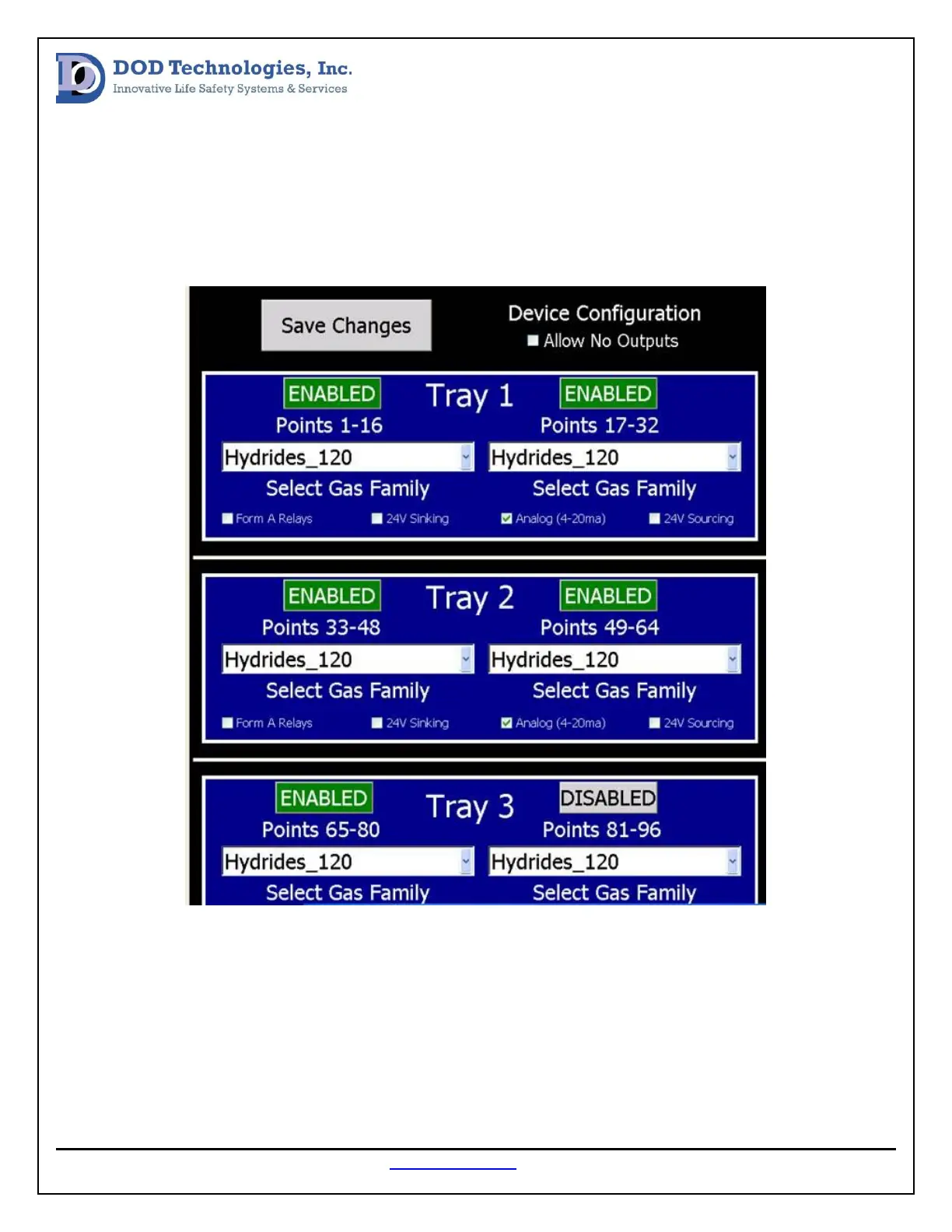
3. Select the Configuration Tab (see image below)
Verify that the correct boxes are checked for each active installed analyzer and check the allow no
outputs box in the unit does not have any output modules. After any changes are made in this screen
the unit should be power cycled. If this does not resolve the fault reset the communication between the
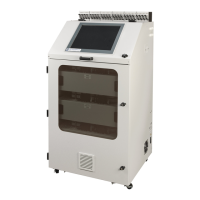
PC and modules by unplugging the green cable in the control box (see image below) and plugging it back
in.


 To Next Page