DOD Technologies, INC • 675 Industrial Dr. Bldg. A • Cary, IL 60013 • Phone (815) 788-5200 • Fax (815) 788-5300
Optic Cleaning Procedure:
This procedure should be followed when any of the following messages appear in the CL96 event log:
1. Optic Calibration Required (service fault)
2. Optic point needs cleaning
3. Optic adjustment suggested
The events above may appear in the event log if there is an issue with the optic system. The optic
system is self-adjusting and will make the required adjustments internally when one of the channels
becomes dirty until further action is necessary. If the Optic Calibration Service Fault appears the system
can no longer compensate for the dirty optic channels and the following procedure must be followed:
First enter the System screen by following the steps below:
1. Enter Setup Menu
2. Enter Factory Menu
3. Enter password “1225”
4. Select the System tab
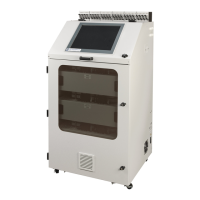
5. Press the DAC button for any active analyzer ( see image below )


 To Next Page