Playing media MC402
38
Selecting titles
There are several ways to select and play a title directly.
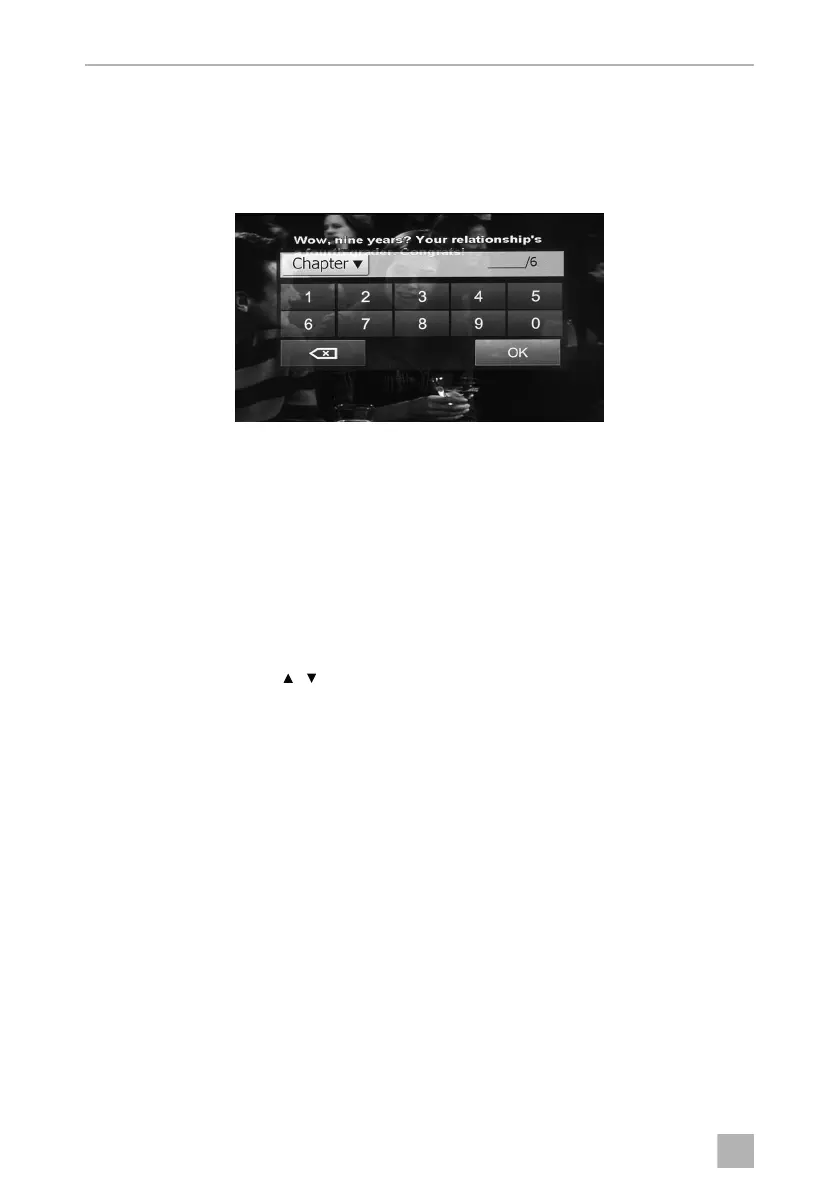
➤ Press the GOTO button and enter the number of the title, chapter or running
time.
✓ The selected title will be played.
or
➤ Press the play list on the display and press directly on the title, chapter or running
time on the display.
✓ The selected title will be highlighted and played.
or
➤ Press the TITLE button on the remote control to display the play list. Select a title
or a chapter with the button or press the numbers of the remote control to
select the desired title or chapter number.
➤ Press the OK button on the remote control.
✓ The selected title will be played.
/
MC402-IO-EN.book Seite 38 Montag, 21. November 2016 6:14 18



 To Next Page