Operation Section
-78-
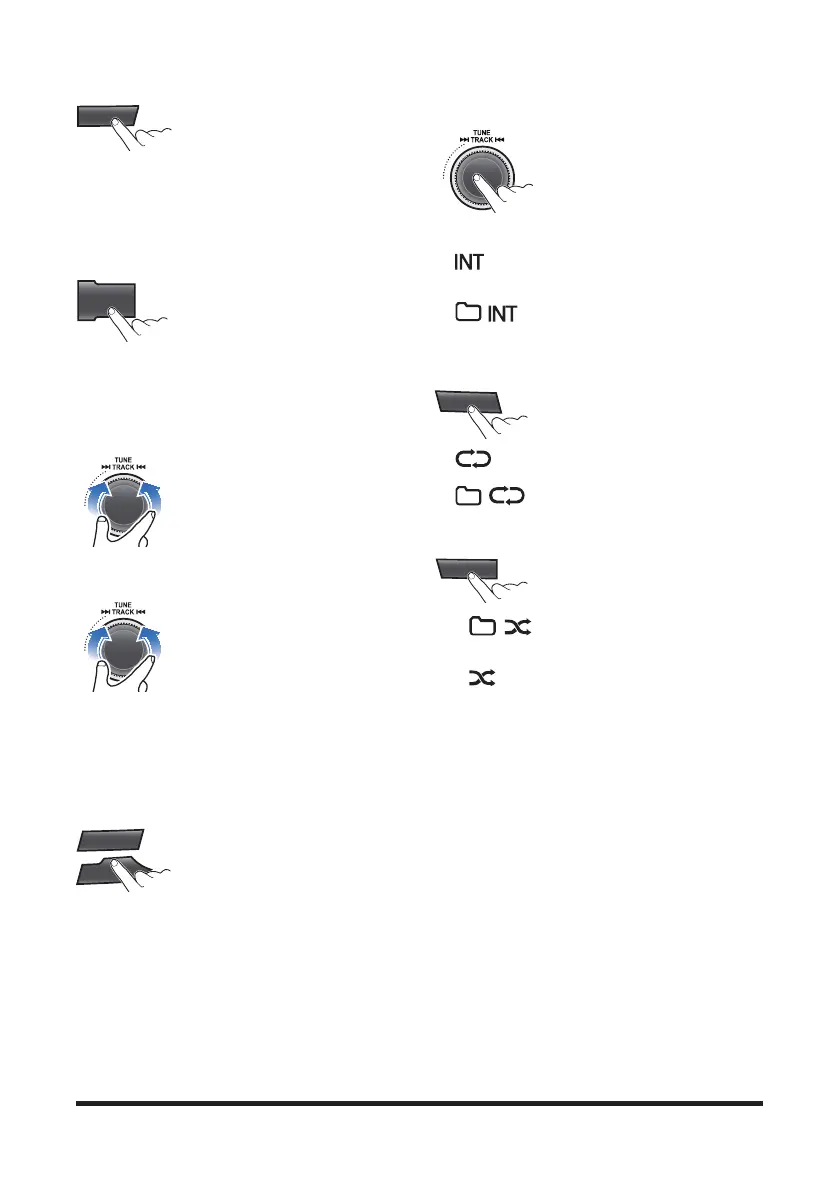
4. Press the [4 INFO] button
repeatedly to display information
about the file being played.
The information displayed includes the file name,
playing time, ID3 Tag or folder name information
saved with the song.
If there is no information on the playing file, then the
unit will display "NO INFO".
5. Press MENU button repeatedly to
select the Scroll setting mode. Tum
the VOLUME dial to changes the
display method between Scroll
On/Off.
• SCROLL ON: activate the scroll function
• SCROLL OFF: deactivate the scroll function
Controlling the playback
1. While playing, turn the
▶▶TRACK◀◀ dial left/right to
moves to the previous or next track.
• Clockwise: move to the next file
• Counter-clockwise: move to the previous file
• You can skip files within the same folder.
2. While the ▶▶TRACK◀◀ dial
is being turned and held, the file will
rewind or fast forward at high speed.
Once released, the file will begin
playing at normal speed.
• Clockwise: fast forward
• Counter-clockwise: fast rewind
• The search function works but search speed is
not constant.
• While fast forwarding or rewinding, you can only
hear intermittent sounds.
3. Press the [5 D-] or [6 D+] button
to moves to the previous or next
folder.
• [5 D-]: move to previous folder
[6 D+]: move to next folder
• While folder moving, he folder name will be
displayed briefly.
Change the playback mode
1. While playing, press the SCN
button to begin the Intro scan
playback.
• When pressed shortly, scans
the beginning parts of device files.
(approx. 10 seconds per file)
• : Successively plays the intro of the file in
the USB device.
• : Successively plays the intro of the file
in the current folder.
• Off : Cancels intro playback.
2. Press the [2 RPT] button to select
the Repeat playback mode.
• : The current file plays repeatedly.
• : The current folder plays repeatedly.
• Off: Cancels repeat playback.
3. Press the [3 RDM] button to
select the Random playback mode.
• : AII files of current folder play in
random order
• : AII files of USB device play in random
order
•
Off: Cancels random playback.
4
INFO
MENU
SCN
AST
SCN
AST
5
D-
6
D+
SCN
AST
2
RPT
3
RDM



 To Next Page