G424F(FE) Service Manual 280 Appendix
A334071
Extension Cable (L=200 cm)
A334082
Extension Cable (L=20 cm)
Connection of the Service Tool
To use the Service Tool, a USB (Universal Serial
Bus) to CAN (Controller Area Network)
communication adapter by KVaser will be required
along with a Crypt Token (Figure 3). The Crypt
Token acts as a security key allowing the laptop to
retrieve the necessary data from the SECM.
1. Install the Crypt Token in an available USB port in
the computer (Figure 4).
2. With the ignition key in the OFF position, connect
the KVaser communication cable from a second
USB port on the computer to the CAN
communications cable on the engine. (*If your
laptop computer does not have a second USB
port an appropriate USB hub will need to be used).
3. Connect a timing light to the engine.
4. Turn the ignition key to the ON position (Do Not
Start the Engine).
5. Launch the MotoView program on your computer
and open the Service Tool display (Figure 5).
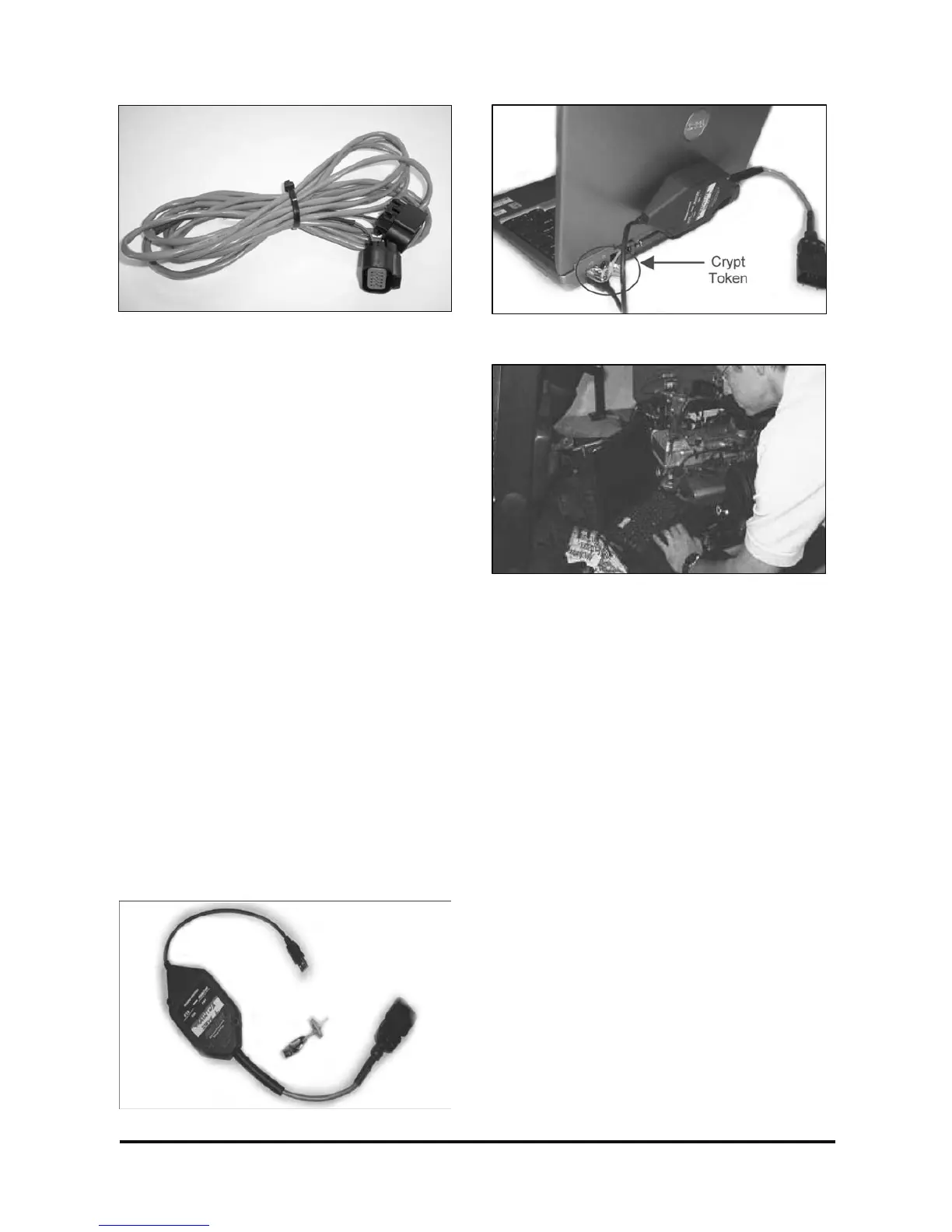
Figure 3. KVaser Communication Adapter
Figure 4. Crypt Token Installed on Laptop
Figure 5. Opening the Service Tool Display



 To Next Page