G424F(FE) Service Manual 294 Appendix
STEP 2 - CONNECT THE COMPUTER
Prior to launching the MotoUpdate software, a valid
Criptoken must be installed in one of the available
USB ports on the update computer. A second
available USB port will be used by the USB to CAN
converter. The USB to CAN coverter must then be
connected to the SECM. (A USB hub must be
used with computers that do not have two USB
ports).
STEP 3 - LAUNCH THE MOTOUPDATE
APPLICATION
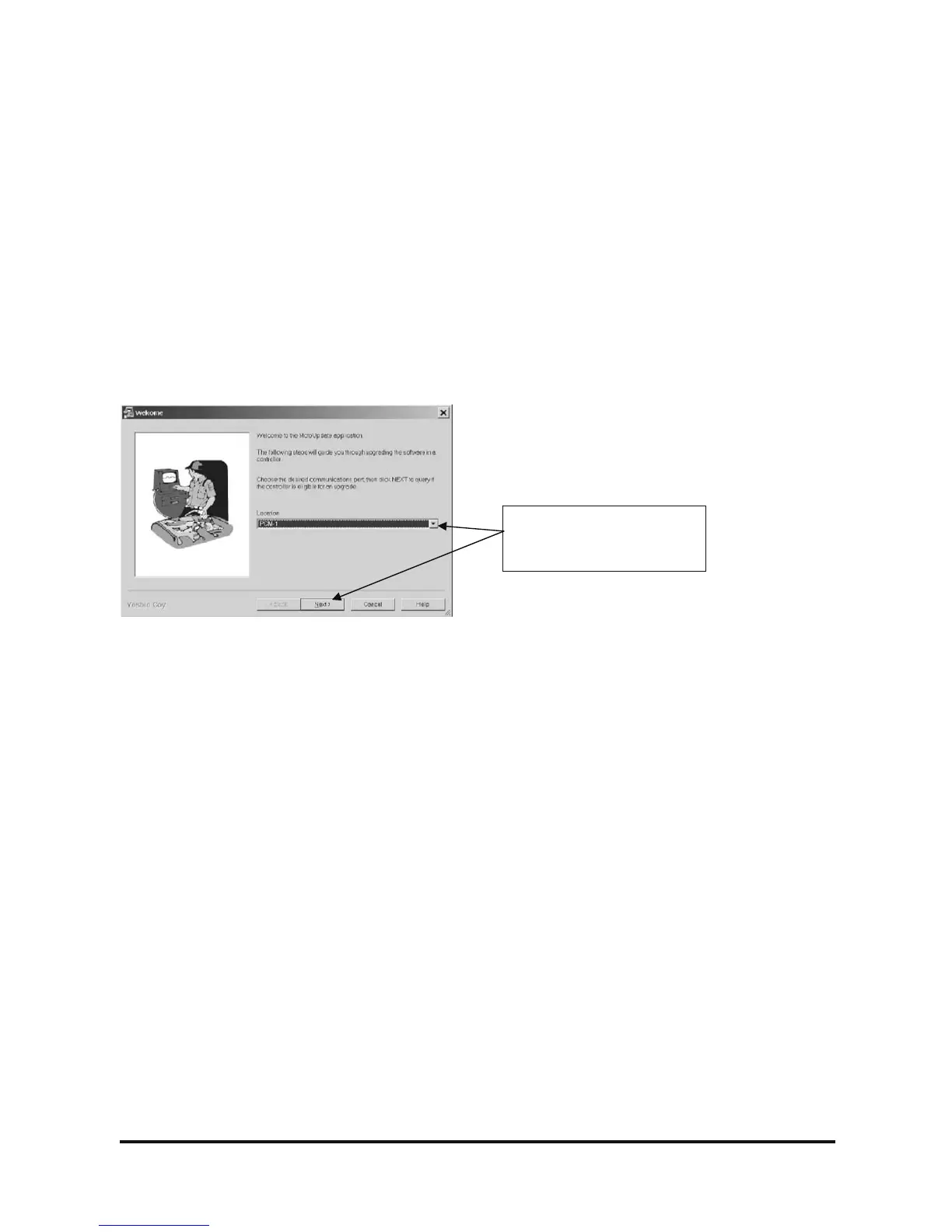
Launch the MotoUpdate application. You will see a
Welcome scree.
Select “PCM-1” in the
location field, then select
Next



 To Next Page