Section 2. Quick Setup Guide
In most cases, your Model 4200 will be completely configured and calibrated at the factory.
If the indicator is ordered without a Doran platform, the indicator will need to be set up
using the following guide. If you have any questions about setting up or calibrating the
indicator, refer to the more complete sections in this manual for more information.
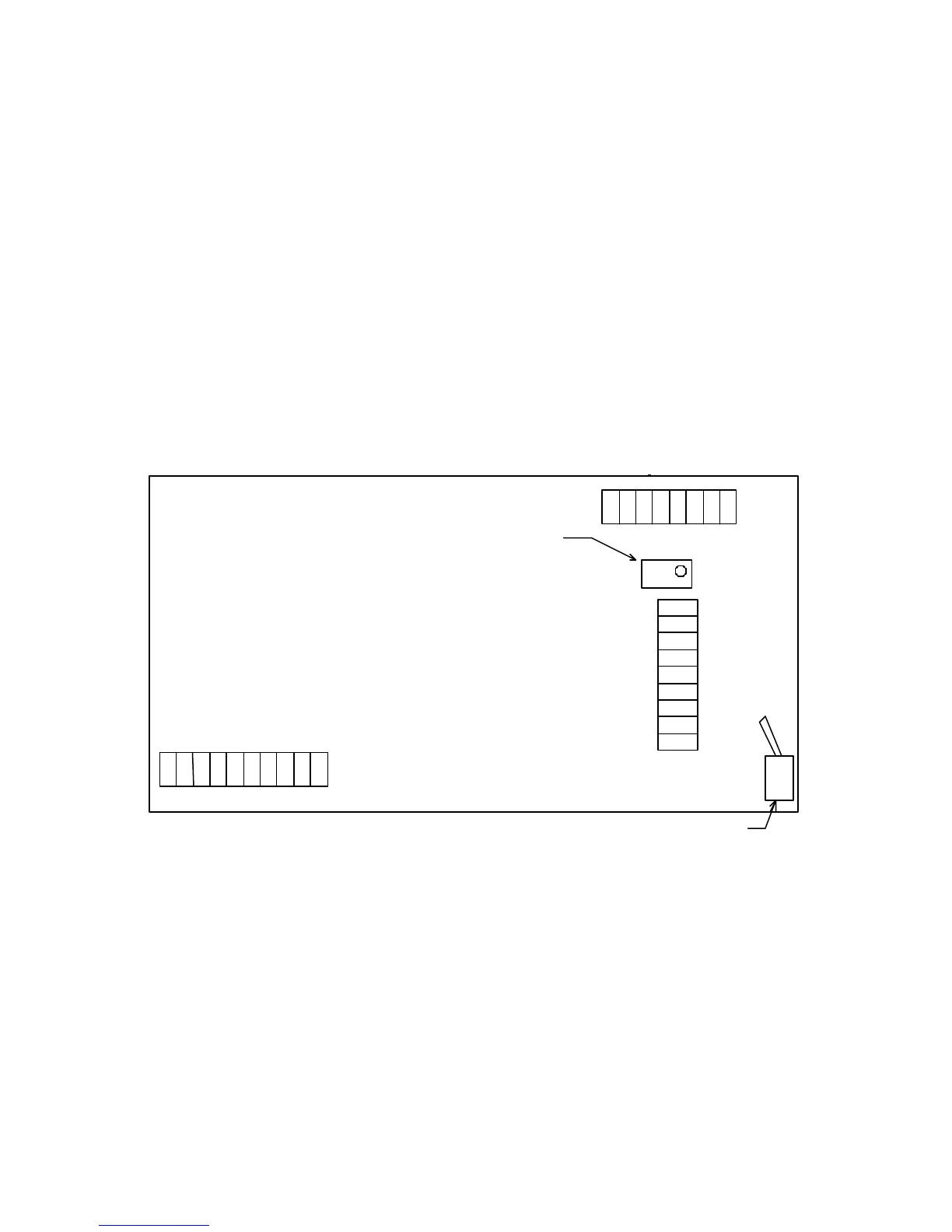
Figure 2. 4200 Main Board Connections and Switches
(components are pictured larger than normal)
There are two communication ports on the Model 4200, a bi-directional (duplex) serial port
and an output-only serial printer port. Both ports are default configured as RS232 and the
default connections are shown in figure 2. Other configurations are available and can be
ordered as required or configured as stated in Section 12.
4
TB2
10 9 8 7 6 5 4 3 2 1
TXD Dup
CTS
TXD Prt
RXD Dup
Ground
1 2 3 4 5 6 7 8
Ground
+ Signal
- Signal
+ Excitation
- Excitation
+ Sense
- Sense
Ground
1 2 3 4 5 6 7 8 1 2 3 4 5 6 7 8
9 8 7 6 5 4 3 2 1
TB1ZERO POT
S2
OPEN - OFF - 0
CLOSED - ON -1
Shield
Prt = Printer Port
Dup = Duplex Port
TXD = Transmit
RXD = Receive
S2
>CALOPERATE<



 To Next Page