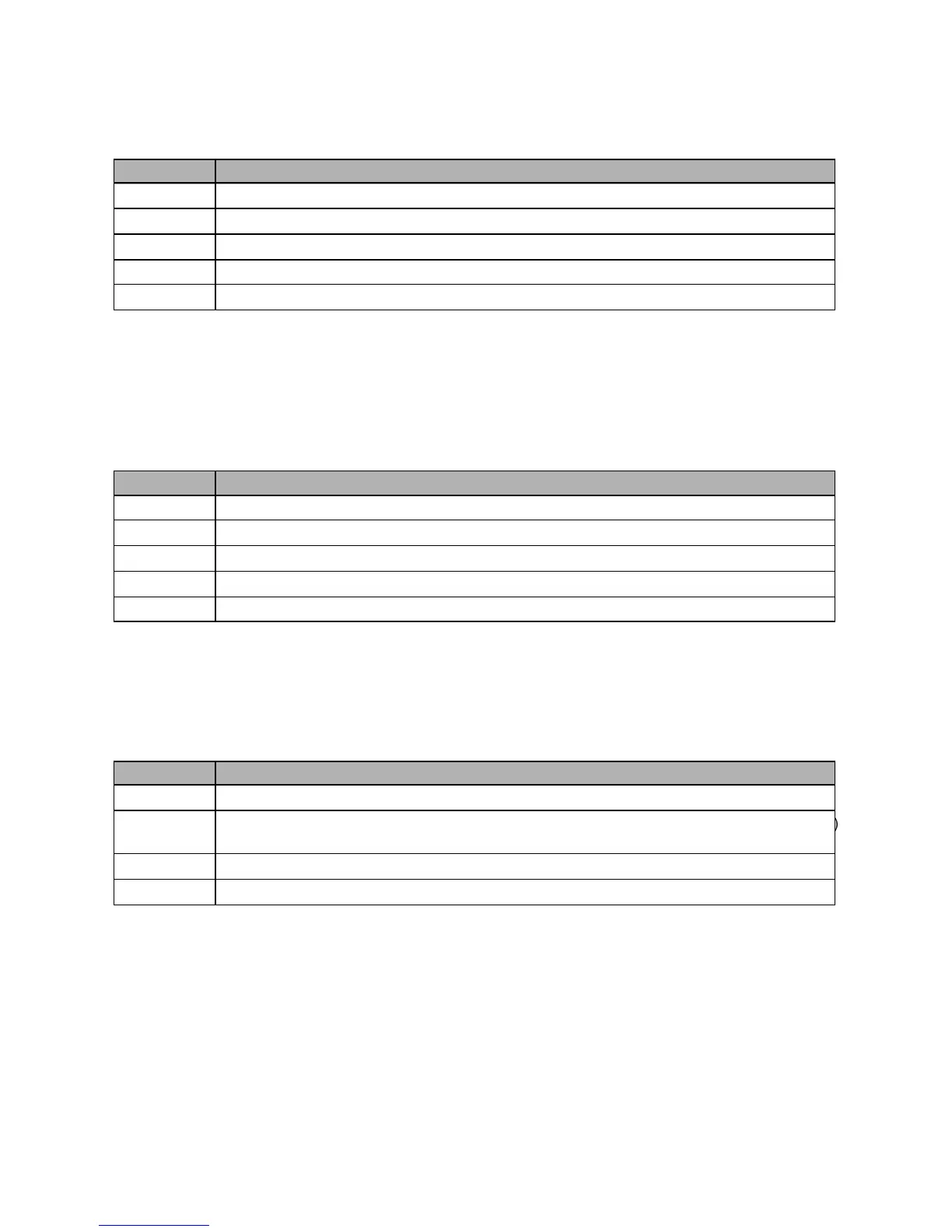
17. Convert Operation Select (CSL)
Option Description
C A 4-way convert, lb-kg(g)-oz-lb&oz.
LgO 3-way convert, lb-kg(g)-oz.
Lg 2-way convert, lb-kg(g).
L O 2-way convert, lb-lb&oz.
gO 2-way convert, kg(g)-oz.
The Convert Select parameter is used to select how the UNITS push-button operates when
enabled. The push-button can operate in a 4, 3, or 2 way configuration as described
above.
18. Display Operation (doP)
Option Description
On Display on all the time.
OFF Display off all the time.
S Display on only when stable.
t Display on only when above 1% of scale capacity.
S t Display on only when above 1% of scale capacity and stable.
The Display Operation parameter specifies the conditions under which the weight display
operates. If the conditions are not met, the display will be blank.
19. Handshaking (hSh)
Option Description
non Handshaking disabled.
Prt Hardware handshaking enabled for port 2 (printer port) with the CTS (clear
control line.
dUP Software handshaking enabled for port 1 (duplex port).
Pd Handshaking enabled for both ports.
The handshaking modes for both ports are explained fully in Section 8. Serial
Communication.
Section 6 Parameter Setup
40



 To Next Page