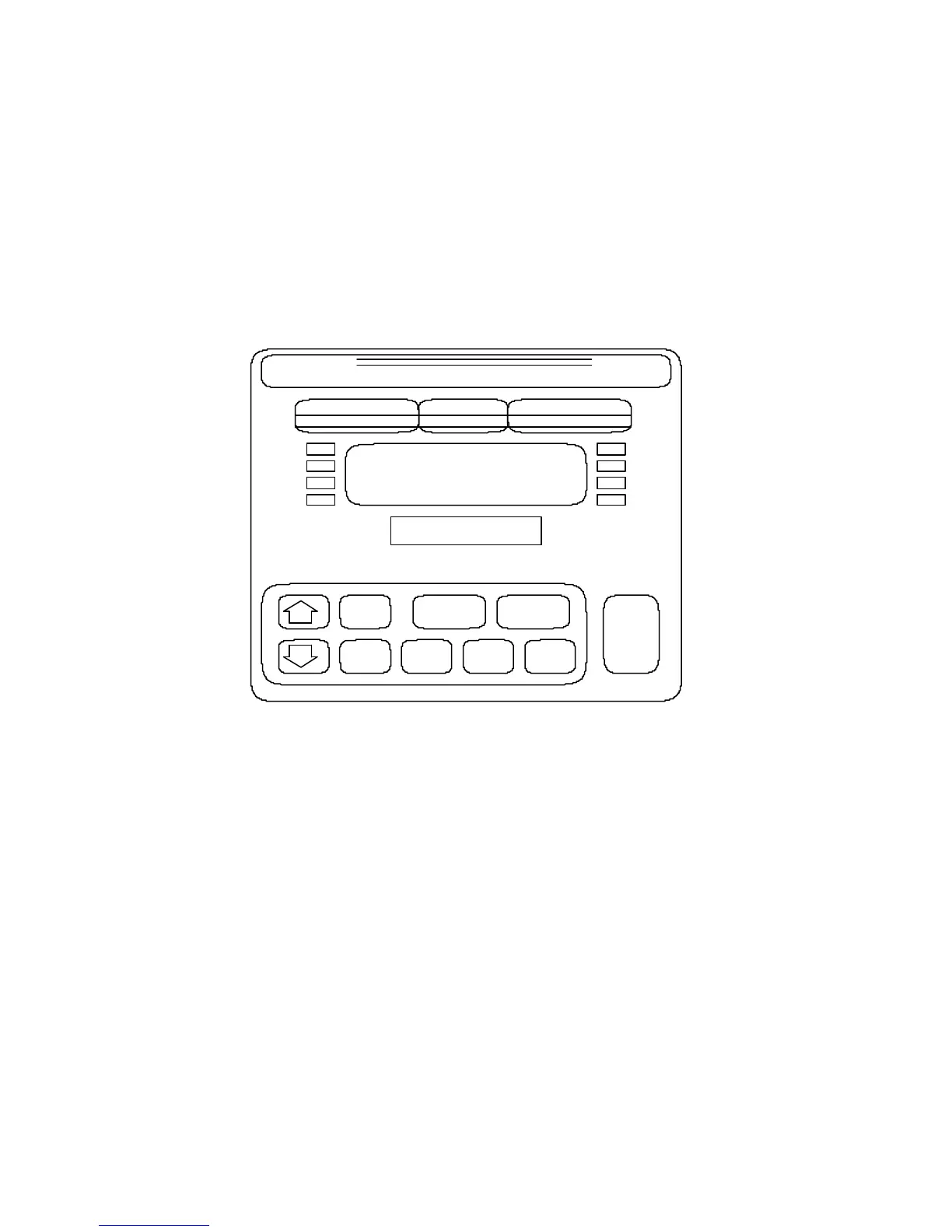
Section 3. Display and Keyboard
The front panel of the 4200 contains the digital weight display, the checkweigh bargraph
display, the status annunciators, and the push-buttons necessary for controlling the various
functions of the indicator. In addition, the capacity label is displayed through a window on
the front panel.
Figure 3 Front Panel
KEYBOARD
The 4200 keyboard consists of 10 push-buttons that control the indicator functions. These
are explained briefly below.
ZERO Zeroes the weight display when pressed. The range of the zero function is
menu-programmable for full range, +/- 4.0 % or +/- 1.9 % of scale capacity.
The ZERO button is only active in the gross mode. Current parameter
settings can be displayed by pressing ZERO button during power-up.
NOTE: The following push-buttons may be active or inactive depending upon the
user menu settings.
8
UNDER ACCEPT OVER
ZERO
OVER
UNDER
TARE
GROSS
NET
PROD PRINT UNITS
CLASS III
CAP.
4200
DORAN
DIGIBAR



 To Next Page