3) MENU ACCESS LEVEL
Access Level
USER 2
(CODE = 0009)
SERVICE 1
(CODE = 0100)
SERVICE 2
(CODE = 0119)
SERVICE 3
(CODE = ****)
Accessible
Menu
1. Run info.
2. Operation
3. Trip log
4. Calibration
1. Run info.
2. Operation
3. Schedule
4. Trip log
5. Trip and alarm
6. Extention
7. Configure
8. Test mode
1. Run info.
2. Operation
3. Schedule
4. Trip log
5. Trip and Alarm
6. Extention
7. Configure
8. Calibration
9. Test mode
1. Run info.
2. Operation
3. Schedule
4. Trip log
5. Trip and Alarm
6. Extention
7. Configure
8. Calibration
9. Test mode
10. Factory set
Maintenance
Time
1 min. 10 min. 30 min. 1 hour
When changing Access Level Mode, make locked by putting Cancel button for 3 sec.
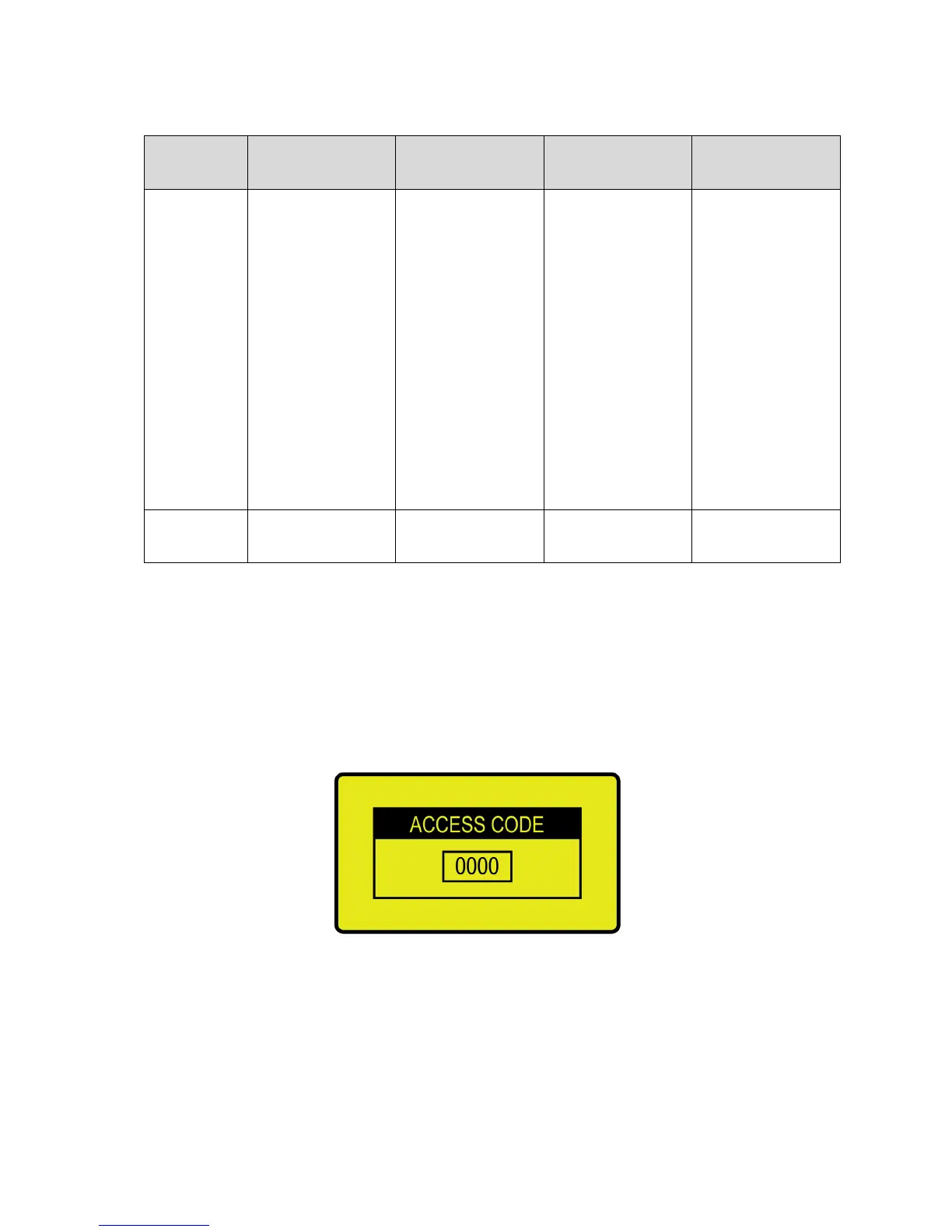
1) If putting [Menu] on operating display, it shows access code input display below.
(If putting [Menu] during supporting time, it does not ask Access Code.)
2) After input Access Code by [Up]/[Down] key, put [Enter] and then, convert to Menu display.
<Access code input screen>
3) Before maintenance time, put [Cancel] key for 3 min. for Locked Mode.


 To Next Page