UIC-DX270 Series User’s Manual Rev 1.0
- 37 -
14) SYSTEM DATE/TIME
Date/time is used for a report of system information by trip/state report and schedule operation. Thus,
it is necessary for a trouble or an abnormal condition. Please set date/time.
1) Put menu button once on the main display, see the display to set access code.
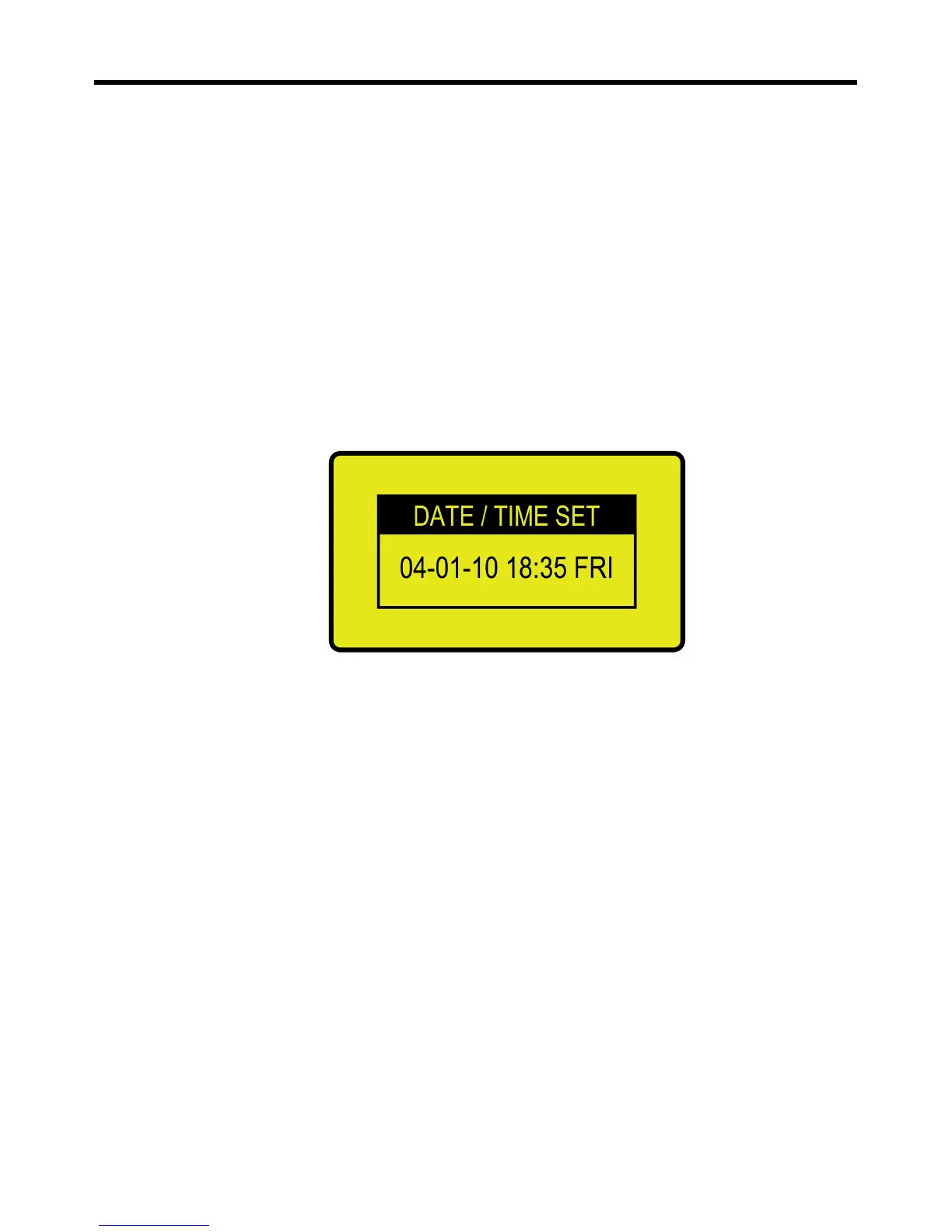
2) Put menu button once again, see the display to set the date/time like below
3) Set date/time with controlling up/down and enter button, then put [cancel] button for
returning to main display
4) The day of a week will be set automatically
5) If “:” between hour and minute does not flicker, set all once again.
<Date/time setting screen>


 To Next Page