UIC-DX270 Series User’s Manual Rev 1.0
- 27 -
108
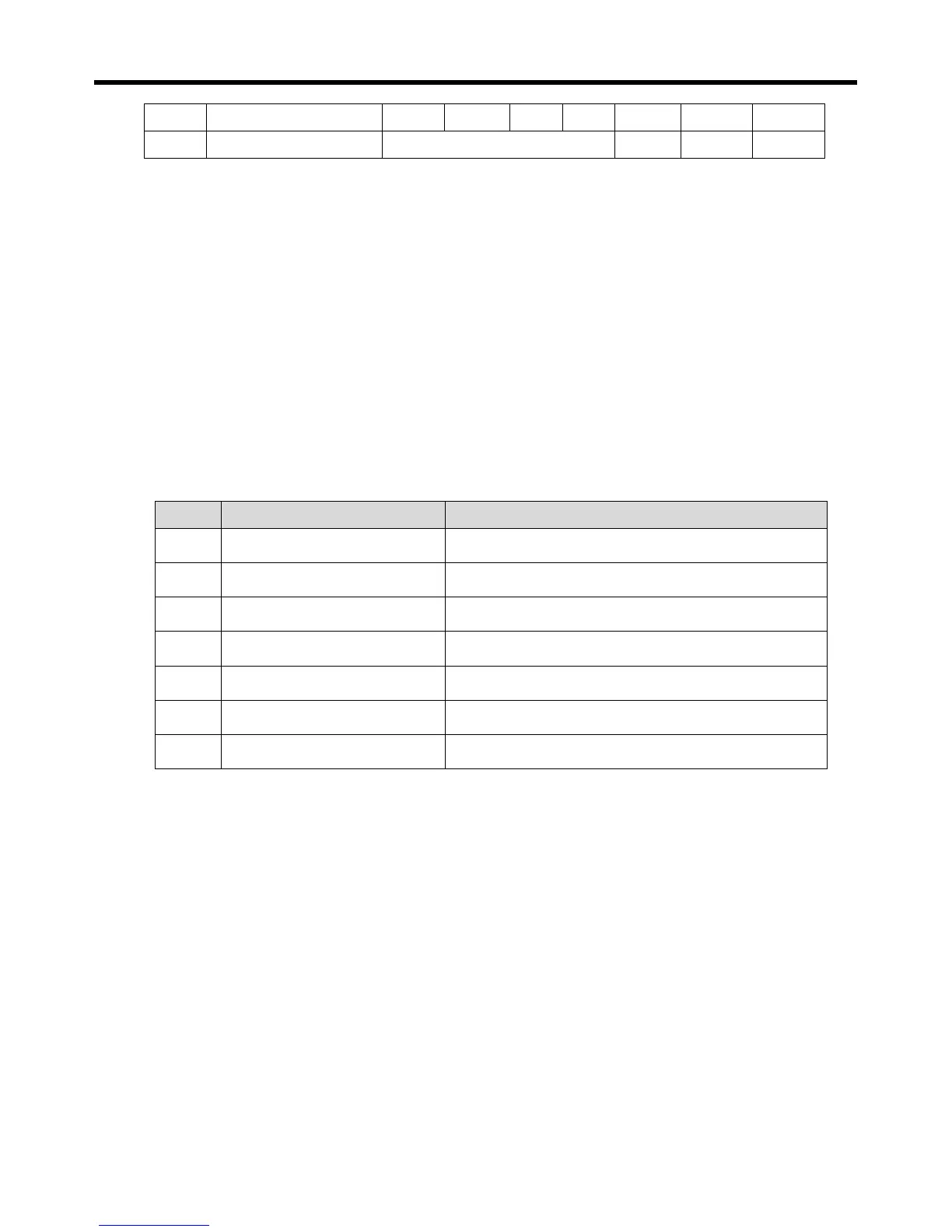
Injection differential ℃ 1 -50 -1 -10 SVC1 SVC1
109
LCD backlight Mode On / Off Off USER2 USER2
※ According to the control objects that set up in operation menus, Unit (℃,bar,%) is changed.
1) Set value: Input a standard of freezer control.
2) Run differential: Input condition that a freezer operate.
(ex, 7.0+5.0=12.0 If it is a more than 12, be operating start.)
3) Stopping differential: Input condition that a freezer stops.
(ex, 7.0-0.0=7.0 If it is 7 or below, be operating stop)
4) Injection control temperature and differential: Input a temperature control section of a inject valve.
(ex, Be OFF . at ON, 90 degrees or below at 100 degrees ideal)
5) LCD backlight mode: On(always On), Off(In case of the alarm On, Be automatic off. On in case of
button operation 60 seconds later)
6) SCHEDULE OPERATION
Item Description RUN ~ STOP
400 SUN 00 : 00 ~ 00 : 00
401 MON 08 : 30 ~ 18 : 30
402 TUE 08 : 30 ~ 18 : 30
403 WED 08 : 30 ~ 18 : 30
404 THU 08 : 30 ~ 18 : 30
405 FRI 08 : 30 ~ 18 : 30
406 SAT 08 : 30 ~ 12 : 30
※ It is displayed when setting to reservation Operation from expanded operation
.
1) Operate at the set time, stop at the set time.
2) Equipment is operating automatically during operating time and stops during stop time.
3) If it does not need to operate on exact day, set Operating Time and Stop Time equally.
4) If Operating Time is after stop Time, equipment does not work.
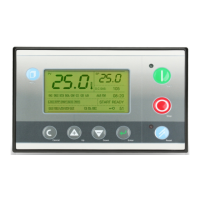
5) During schedule Operation, it is possible to control with [Operation] key and [Stop] key.
(Picture below)
6) After Stop Time, it does not operate by putting [Operation] key.( Picture below)
7)


 To Next Page