Instructions for use Oxylog 3000 plus SW 1.n 33
Operating concept
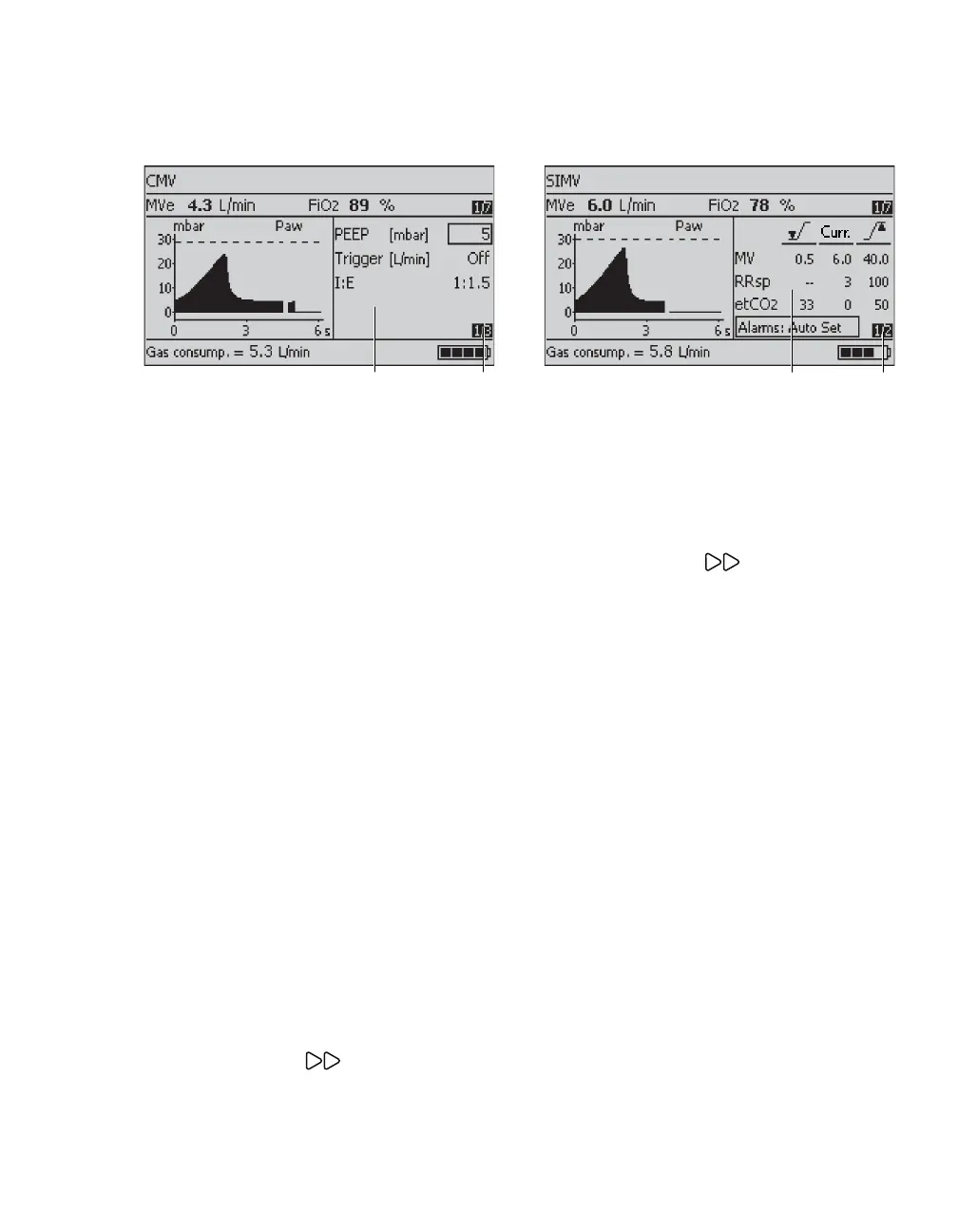
Settings window
A Menu for setting supplementary ventilation
parameters in accordance with the desired
ventilation mode.
– AutoFlow (optional)
– Brightness
–CO
2 filter check (optional)
–CO
2 zero calibration (optional)
–CO
2 cuvette type (optional)
– HME correction
– Hose type
– I:E / Ti
–NIV
–PEEP
–Pinsp
– RRapn and VTapn
– Slope
– Tapn
– Tplat
– Trigger
–
Δ
Psupp
B Page number (1st page of 3 available pages)
Press the Settings key.
The pages are displayed consecutively.
Alarms window
A Menu for alarm limits and alarm parameters.
For detailed operating instructions, see "Setting
alarm limits" on page 87.
B Page number (1st page of 2 available pages)
To advance to the next page:
Press the Alarms key.
The pages are displayed consecutively.
05737171
10937171














 To Next Page