VigorIPPBX 3510 Series User’s Guide
96
5
5
.
.
2
2
.
.
2
2
G
G
e
e
n
n
e
e
r
r
a
a
l
l
S
S
e
e
t
t
u
u
p
p
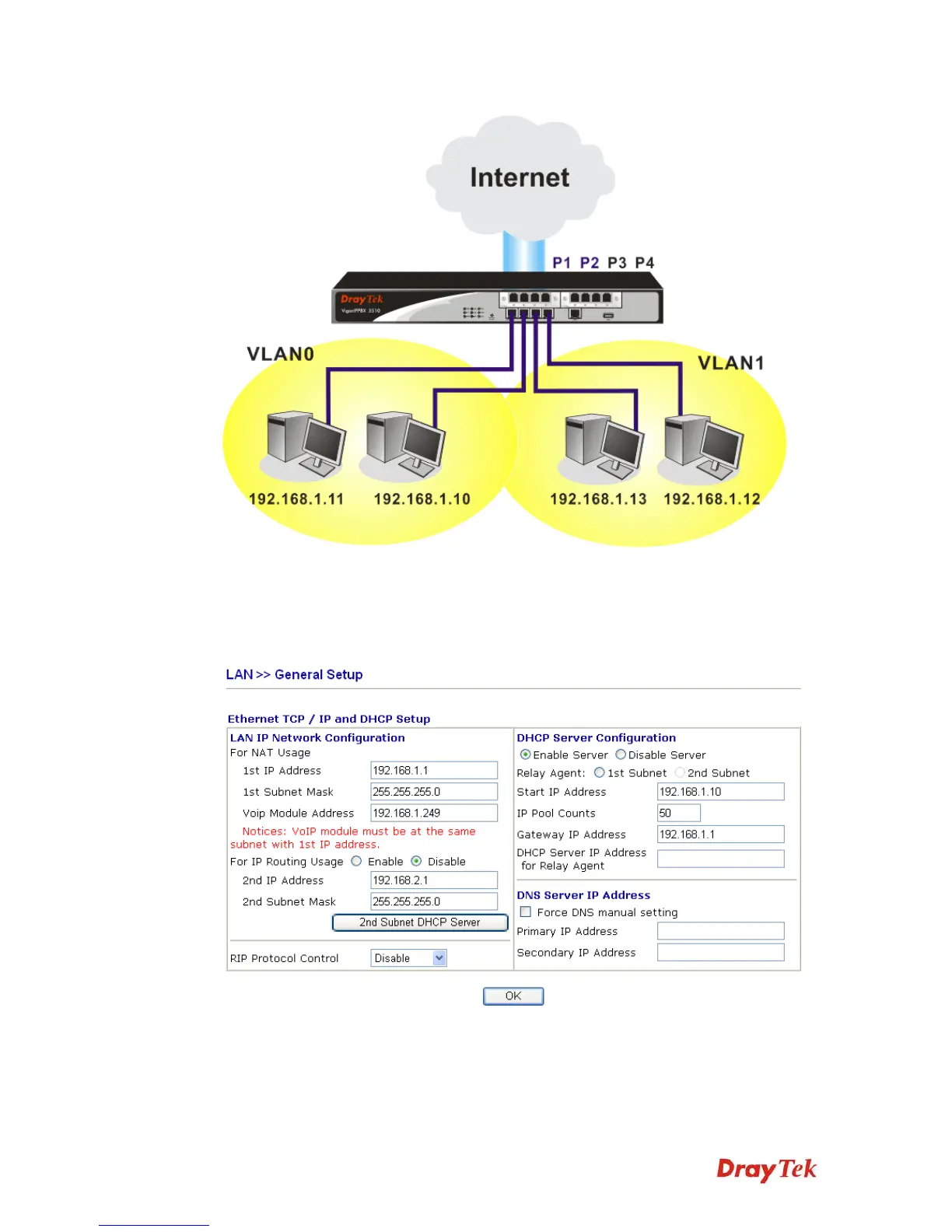
This page provides you the general settings for LAN.
Click LAN to open the LAN settings page and choose General Setup.
1st IP Address Type in private IP address for connecting to a local private network
(Default: 192.168.1.1).
1st Subnet Mask Type in an address code that determines the size of the network.
(Default: 255.255.255.0/ 24).



 To Next Page