VigorIPPBX 3510 Series User’s Guide
226
5
5
.
.
1
1
2
2
.
.
3
3
F
F
i
i
l
l
e
e
E
E
x
x
p
p
l
l
o
o
r
r
e
e
r
r
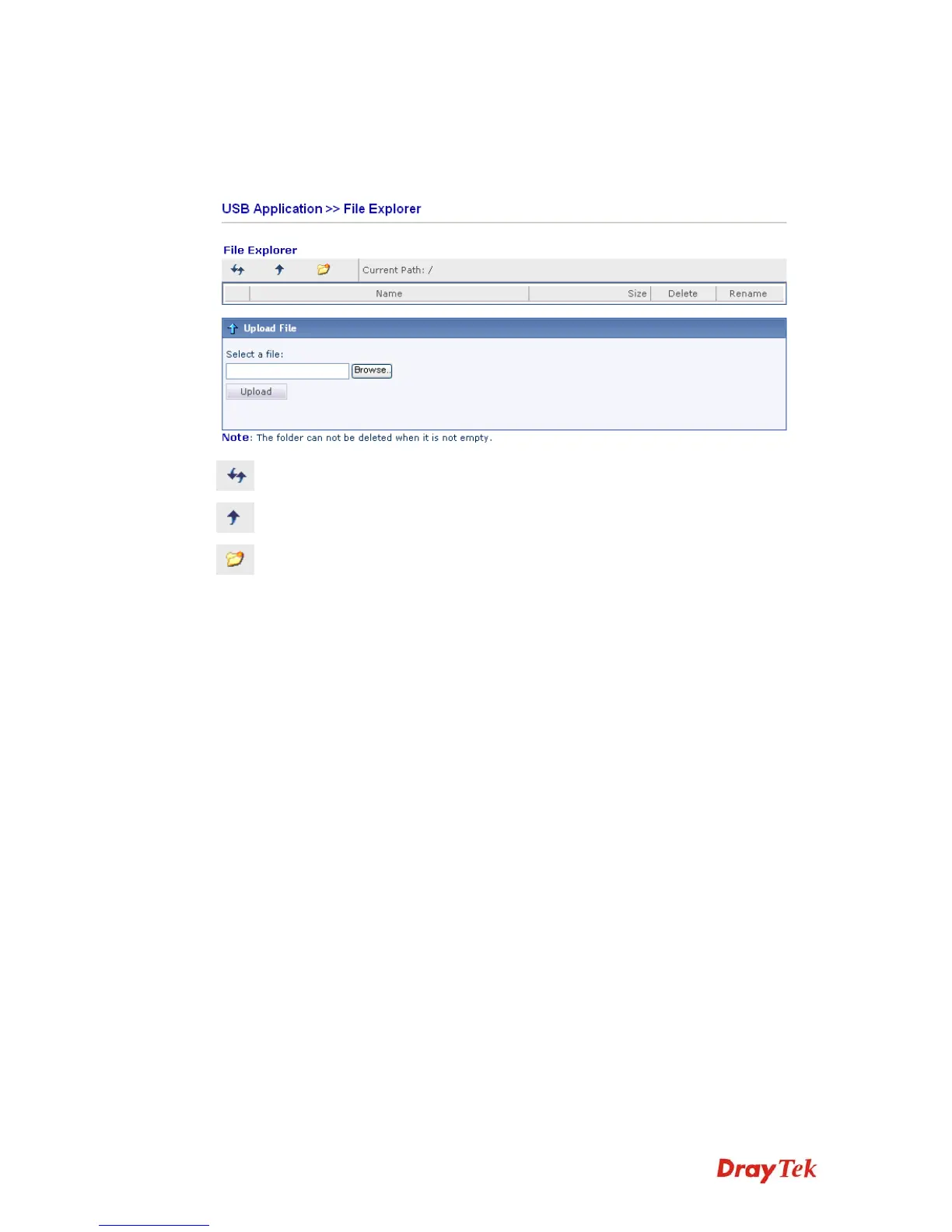
File Explorer offers an easy way for users to review and manage the content of USB storage
disk connected on Vigor router.
Refresh Click this icon to refresh files list.
Back Click this icon to return to the upper directory.
Create Click this icon to add a new folder.
Current Path Display current folder.
Upload Click this button to upload the selected file to the USB storage
disk. The uploaded file in the USB storage disk can be shared
for other user through FTP.



 To Next Page