VigorIPPBX 3510 Series User’s Guide
58
4
4
.
.
5
5
U
U
p
p
g
g
r
r
a
a
d
d
e
e
F
F
i
i
r
r
m
m
w
w
a
a
r
r
e
e
f
f
o
o
r
r
V
V
i
i
g
g
o
o
r
r
I
I
P
P
P
P
B
B
X
X
3
3
5
5
1
1
0
0
Please do the following:
1. Go to www.draytek.com
.
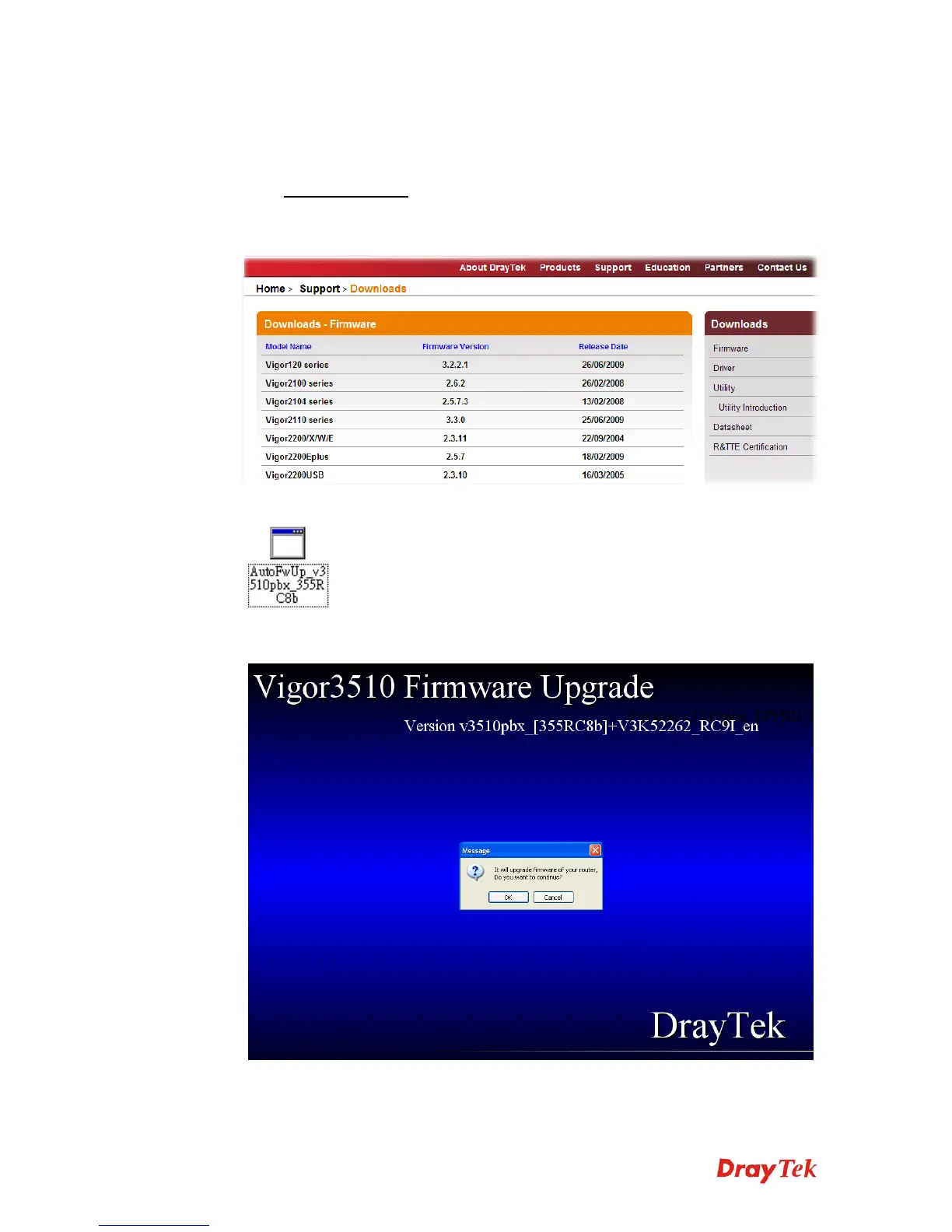
2. Access into Support >> Downloads. Please click the model name of VigorIPPBX 3510
and click on it to download the firmware execution file.
3. Locate the AutoFwUp_VXXX file that you downloaded from the website.
4. Double-click the execution file of AutoFwUp_VXXX to run the program. The
following screen will appear. Click OK.



 To Next Page