VigorIPPBX 3510 Series User’s Guide
139
5
5
.
.
6
6
.
.
1
1
A
A
P
P
P
P
E
E
n
n
f
f
o
o
r
r
c
c
e
e
m
m
e
e
n
n
t
t
P
P
r
r
o
o
f
f
i
i
l
l
e
e
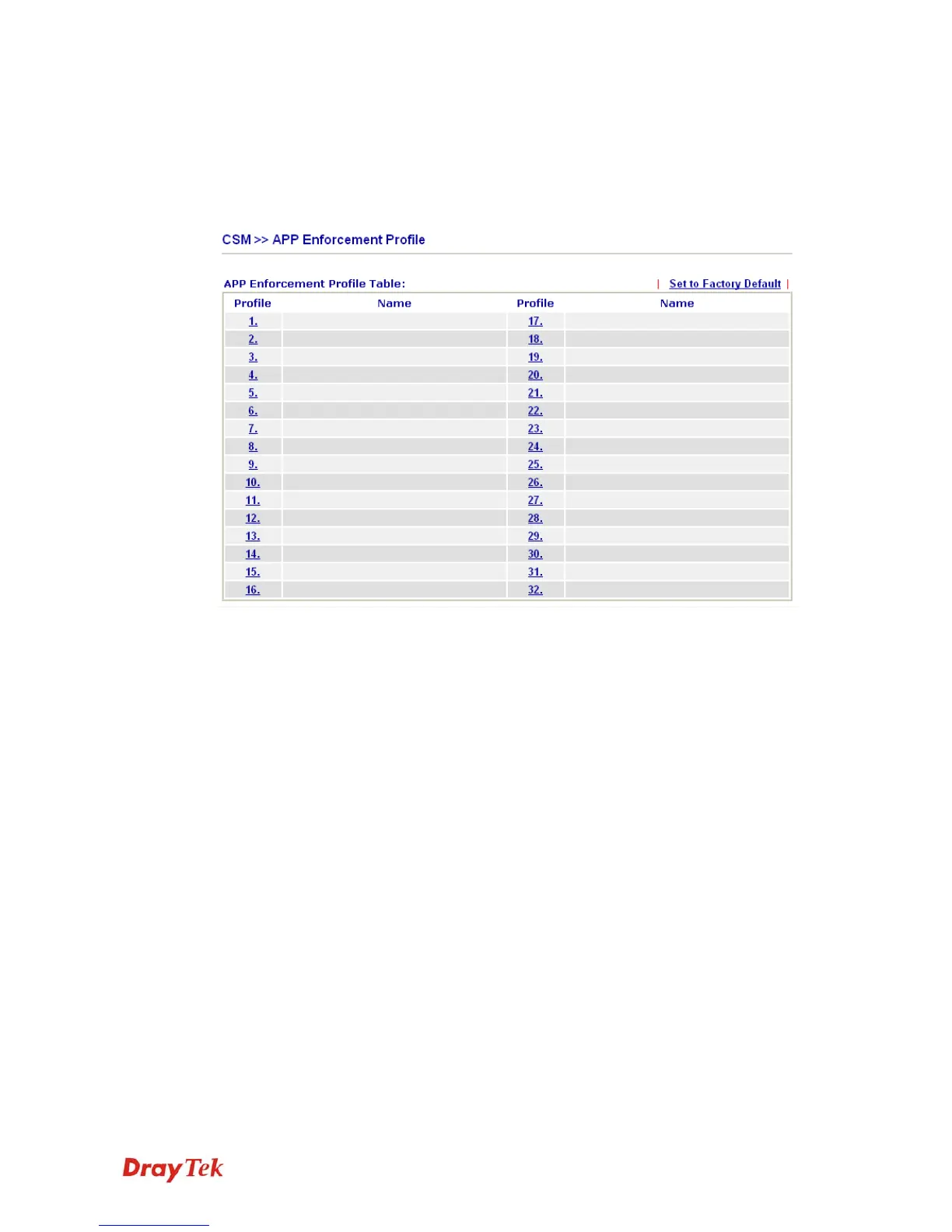
You can define policy profiles for IM (Instant Messenger)/P2P (Peer to Peer)/Protocol
application. This page allows you to set 32 profiles for different requirements. The APP
Enforcement Profile will be applied in Default Rule of Firewall>>General Setup for
filtering.
Set to Factory Default Clear all profiles.
Profile Display the number of the profile which allows you to click to
set different policy.
Name Display the name of the APP Enforcement Profile.
Click the number under Index column for settings in detail.
There are four tabs IM, P2P, Protocol and Misc displayed on this page. Each tab will bring
out different items that you can choose to disallow people using.



 To Next Page