VigorIPPBX 3510 Series User’s Guide
134
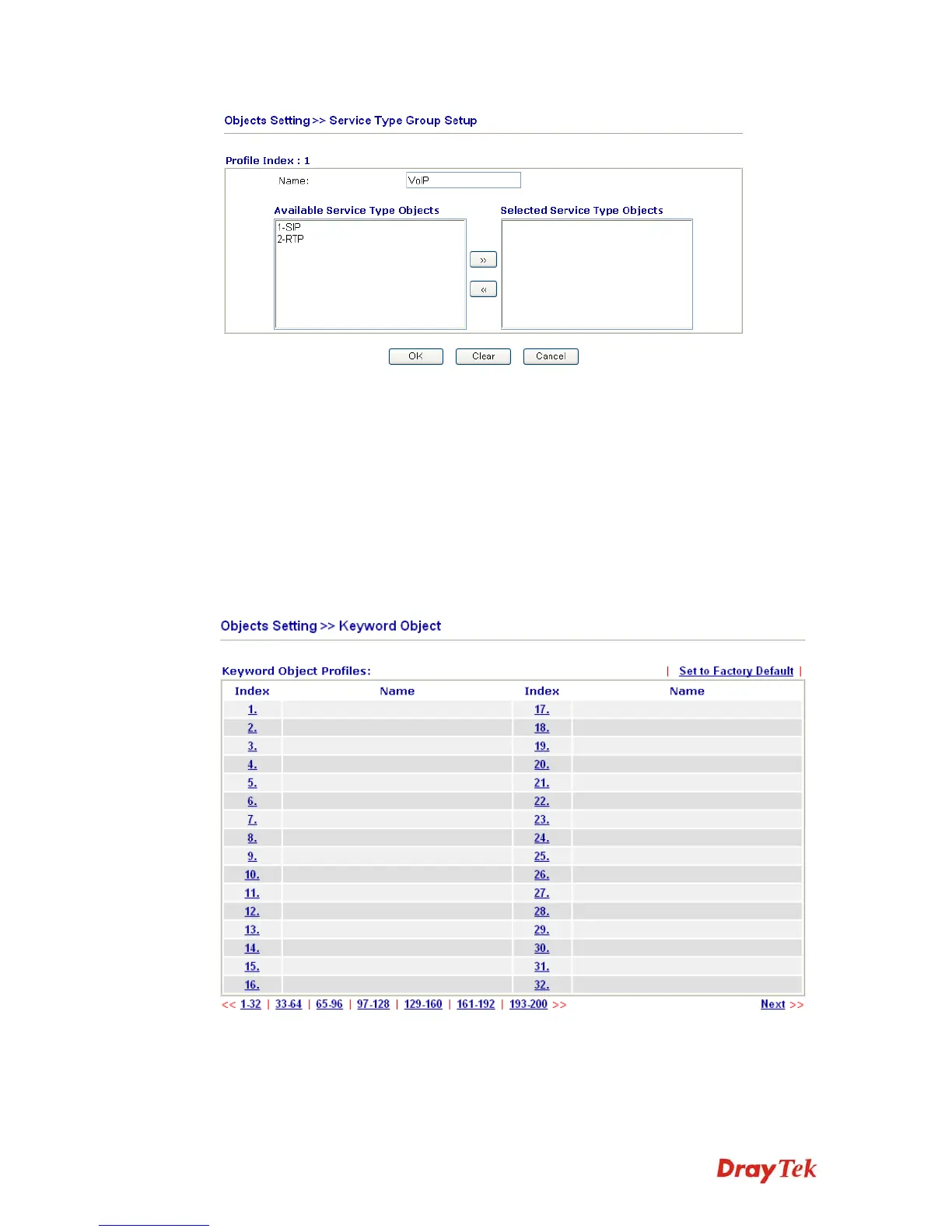
Name Type a name for this profile.
Available Service Type
Objects
All the available service objects that you have added on
Objects Setting>>Service Type Object will be shown in
this box.
Selected Service Type
Objects
Click >> button to add the selected IP objects in this box.
5
5
.
.
5
5
.
.
5
5
K
K
e
e
y
y
w
w
o
o
r
r
d
d
O
O
b
b
j
j
e
e
c
c
t
t
You can set 200 keyword object profiles for choosing as black /white list in CSM >>URL
Web Content Filter Profile.
Set to Factory Default Clear all profiles.
Click the number under Index column for setting in detail.



 To Next Page