VigorIPPBX 3510 Series User’s Guide
232
5
5
.
.
1
1
3
3
.
.
3
3
A
A
d
d
m
m
i
i
n
n
i
i
s
s
t
t
r
r
a
a
t
t
o
o
r
r
P
P
a
a
s
s
s
s
w
w
o
o
r
r
d
d
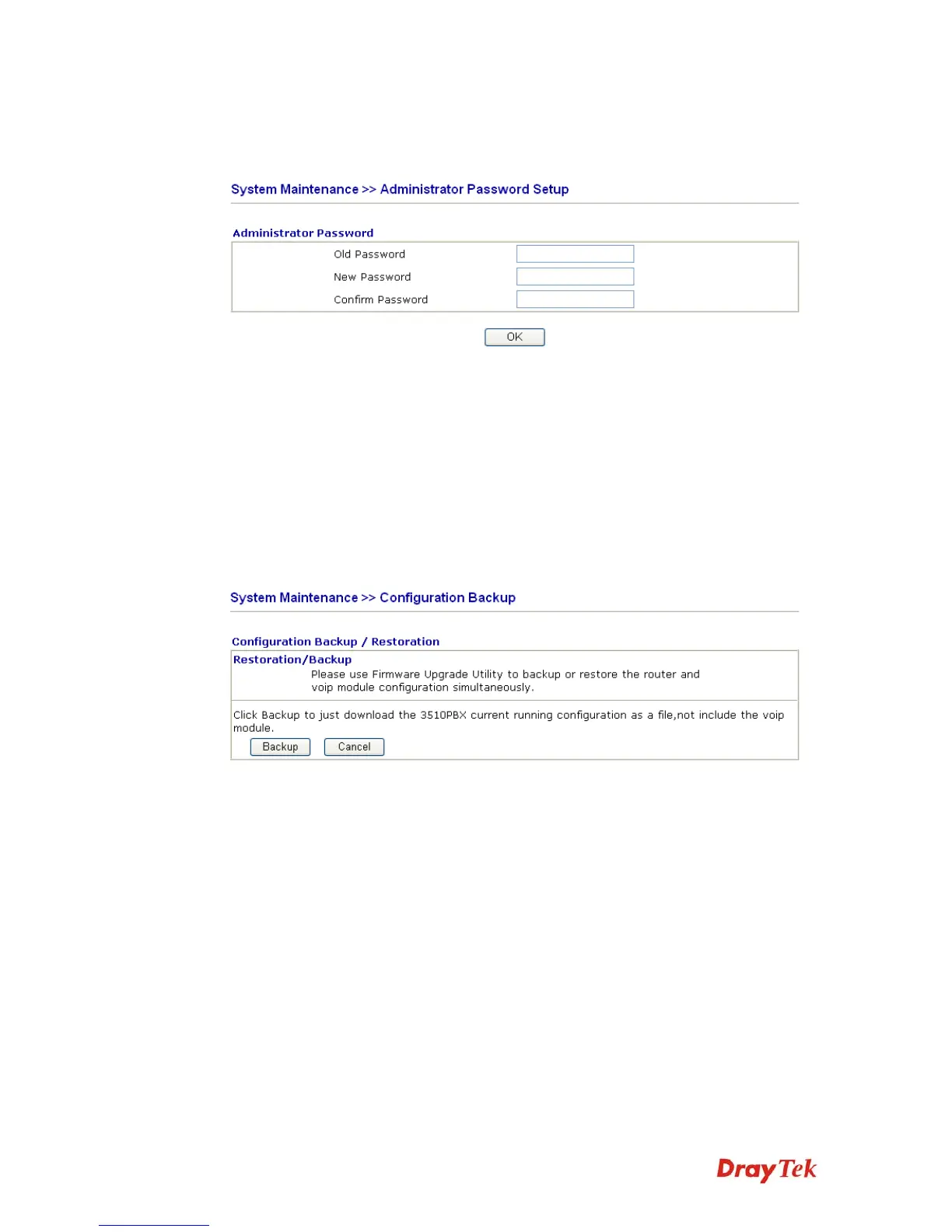
This page allows you to set new password.
Old Password Type in the old password. The factory default setting for
password is blank.
New Password Type in new password in this filed.
Confirm Password Type in the new password again.
When you click OK, the login window will appear. Please use the new password to access
into the web configurator again.
5
5
.
.
1
1
3
3
.
.
4
4
C
C
o
o
n
n
f
f
i
i
g
g
u
u
r
r
a
a
t
t
i
i
o
o
n
n
B
B
a
a
c
c
k
k
u
u
p
p
This page allows you to backup current configuration as a file.
To backup or restore the configuration of the router, please download the Firmware Upgrade
Utility from DrayTek website first.
Run the firmware upgrade utility. You will see a dialog as the following figure.



 To Next Page